building your own gaming PC gives you total control over components and saves hundreds of dollars compared to buying prebuilt systems. this guide covers the best gaming PC builds 2026 for every budget from $500 to $4,000+. prices for RAM and storage have increased significantly in late 2025, so budget tiers have been adjusted. all recommendations are based on testing, market research, and component expertise. operating system and peripherals are not included in prices.
why build your own PC
when you build a gaming PC yourself, you choose the exact motherboard, case design, and fan configuration you want. you get complete control over RGB lighting or can choose non-RGB components. prebuilt systems cost significantly more for the same performance. building saves you hundreds of dollars while giving you customization options that prebuilts cannot offer.
important notes on pricing and components
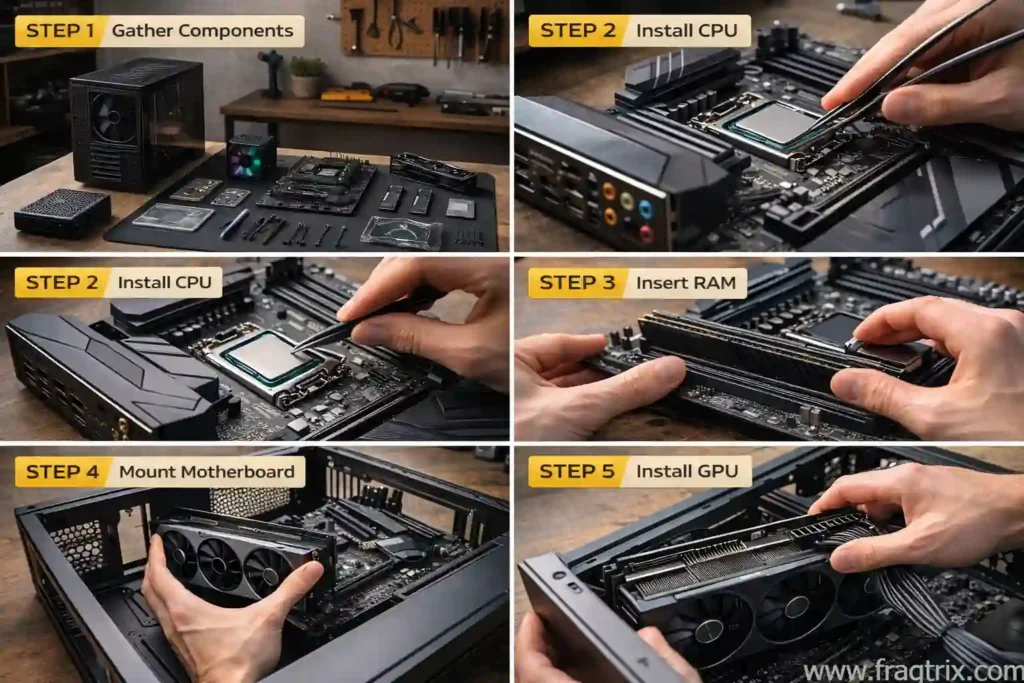
prices for RAM and storage have increased significantly in the fourth quarter of 2025. this has forced all price tiers in gaming builds to increase. our recommendations focus on CPU, GPU, and SSD performance as these are the most critical components. cases, motherboards, and power supplies may not have been individually tested. we recommend checking current prices before purchasing as GPU and component availability can change. nvidia’s latest 5000 series cards are now available from reputable retailers at closer to MSRP prices rather than scalper markups.
what each component does
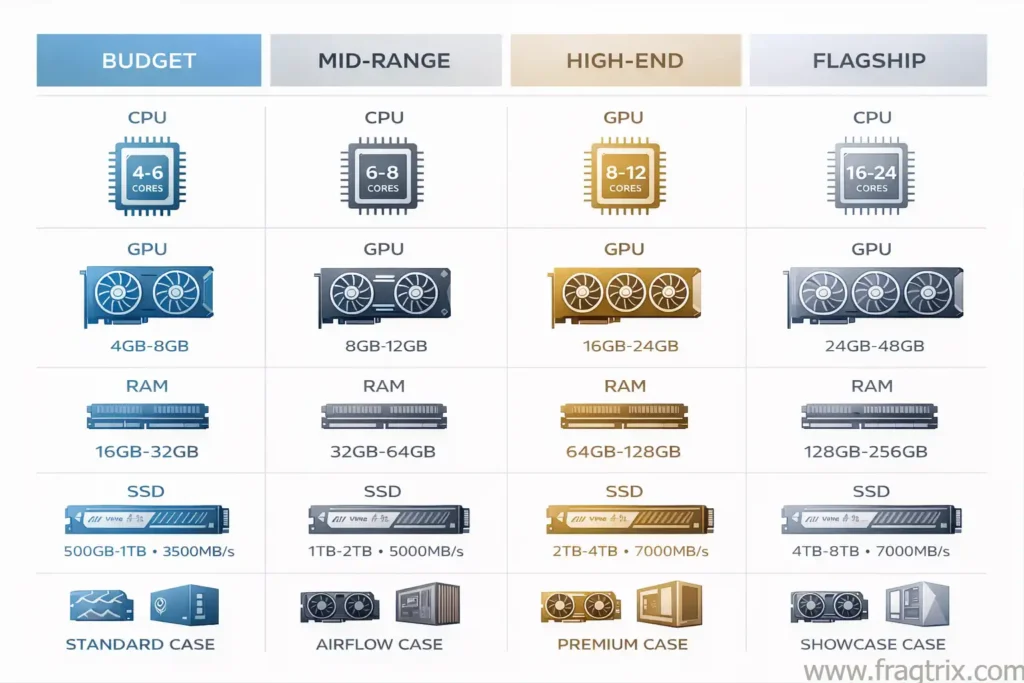
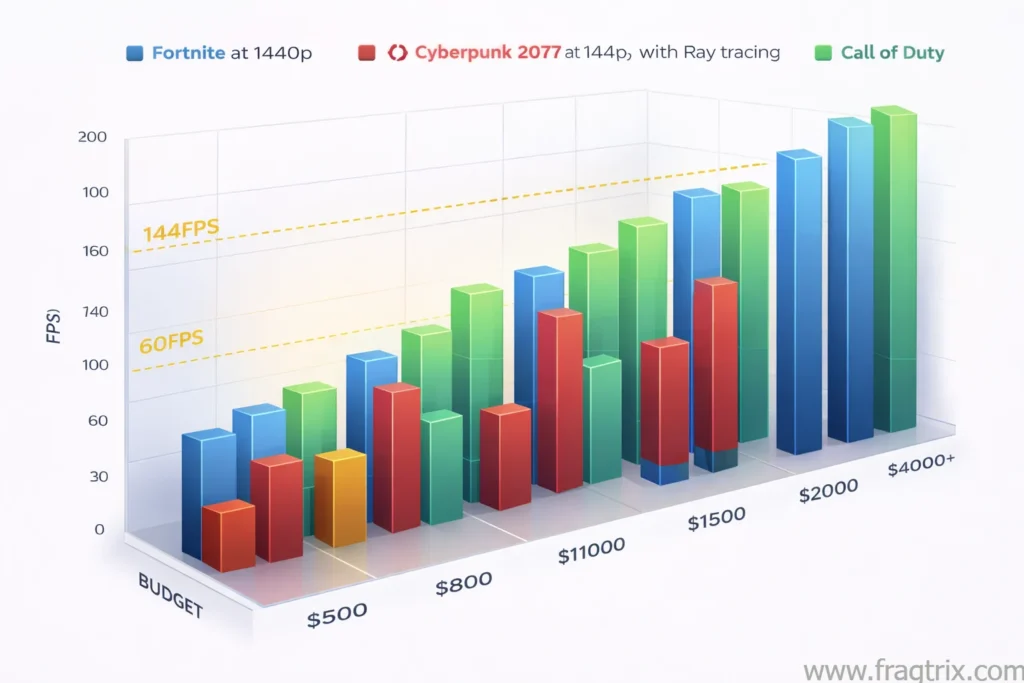
| component | purpose | key considerations |
|---|---|---|
| CPU | brains of the computer, affects 1080p gaming | look for strong gaming benchmarks and L3 cache |
| GPU | most important for gaming, most expensive part | get the best available in your budget that’s in stock |
| RAM | system memory for multitasking | 32GB is ideal, DDR4 is cheaper than DDR5 |
| motherboard | connects all components together | must support your CPU, BIOS flashback is helpful |
| SSD | storage for games and files | 2TB is preferable, PCIe 4.0 is good value |
| cooler | keeps CPU temperature down | stock coolers work, 240/360mm AIOs are good |
| PSU | power supply for the system | 750-850W for high-end, must be Gold+ certified |
| case | houses all components | must fit your motherboard, needs good airflow |
best $500 PC build for gaming
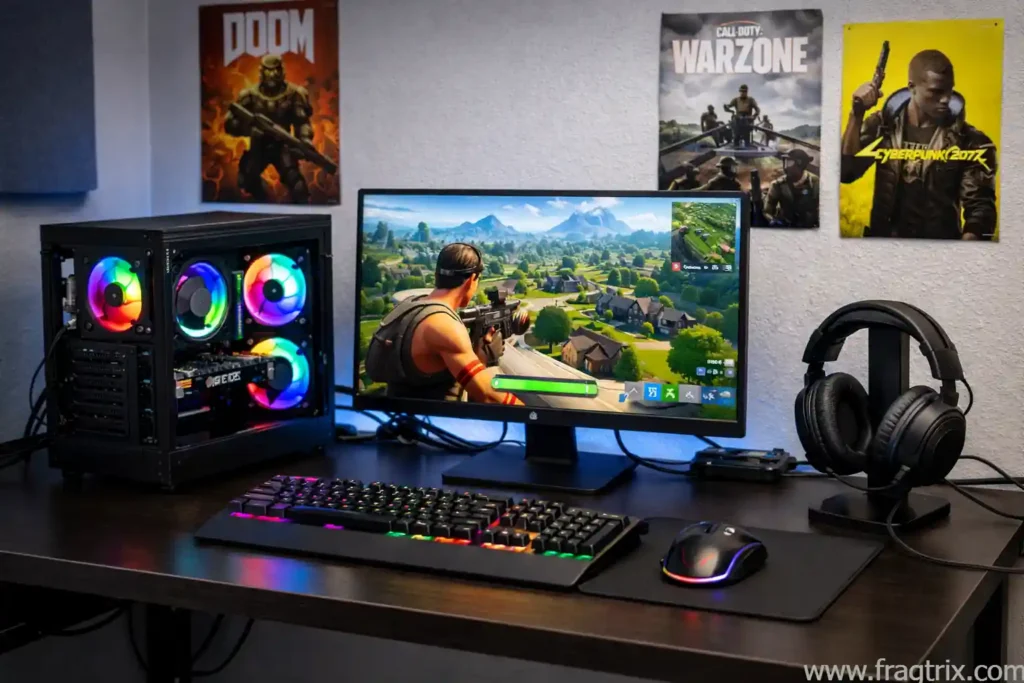
this budget allows you to build a gaming PC with a discrete graphics card. you won’t get top performance, but 1080p gaming at modest settings is entirely possible. this is a huge upgrade from integrated graphics.
$500 build components
| component | model | price |
|---|---|---|
| CPU | intel core i3-14100F | $97 |
| motherboard | asus B760M-AYM Wifi D4 II | $90 |
| GPU | AMD RX 6500 XT | $154 |
| RAM | OLOy Black Owl 16GB DDR4 | $97 |
| storage | Biwin Black Opal NV7400 1TB SSD | $128 |
| case | Cooler Master MasterBox Q300L | $34 |
| PSU | Thermaltake Smart Series 500W | $40 |
| cooler | included with CPU | free |
| total | $539 |
the AMD Radeon RX 6500 XT is a low-end older card but delivers 30.6 FPS at 1080p ultra settings. when you drop to medium settings, performance jumps to 65.8 FPS. the intel core i3-14100F has four performance cores and a boost clock of 4.7 GHz. it includes a cooler in the box, saving money on aftermarket cooling. the Asus B760M-AYW Wifi D4 II motherboard includes Wi-Fi, which is rare at this price. the Biwin Black Opal NV7400 SSD delivers 7,450 MB/s read speeds and 6,500 MB/s write speeds. select 16GB of DDR4-6400 RAM in a 2x8GB configuration. the Cooler Master MasterBox Q300L case offers solid build quality with dust filters and support for 240mm AIO coolers. the 500W PSU is a compromise to hit the $500 price point. consider upgrading to the Thermaltake Toughpower GX2 600W for only $20 more if you want better quality.
best $800 PC build for gaming
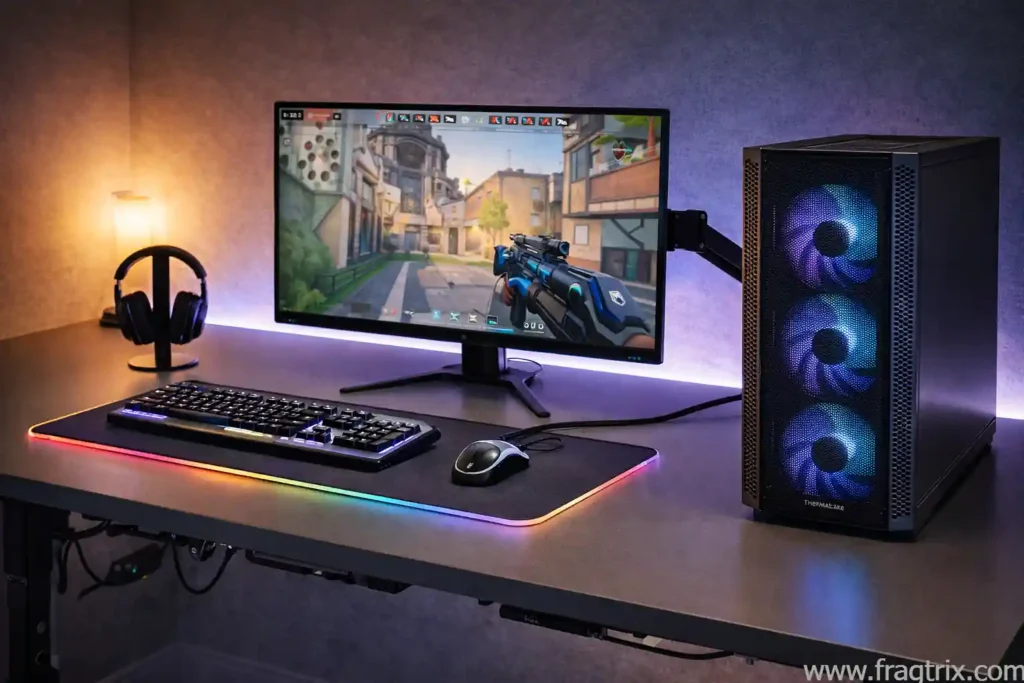
stretching to $800 lets you move into serious 1080p gaming without ray tracing. this build offers noticeably better productivity performance as well.
$800 build components
| component | model | price |
|---|---|---|
| CPU | intel core i5-14400F | $220 |
| motherboard | asus B760M-AYM Wifi D4 II | $90 |
| GPU | AMD Radeon RX 7600 | $249 |
| RAM | OLOy Black Owl 16GB DDR4 | $97 |
| storage | Biwin Black Opal NV7400 1TB SSD | $128 |
| case | Thermaltake Versa H18 | $55 |
| PSU | MSI MAG A750GL | $90 |
| cooler | Cooler Master i70C | $18 |
| total | $850 |
the intel core i5-14400F steps up from the i3 with six performance cores, four efficiency cores, totaling 10 threads and a 4.7 GHz boost clock. the AMD Radeon RX 7600 delivers well over 60 FPS at 1080p ultra settings. this GPU ranks just above the RX 6650 XT and below the RTX 4060 on performance hierarchy. we stick with the same Asus motherboard from the $500 build to save money. the 1TB Biwin Black Opal NV7400 SSD offers strong PCIe 4.0 performance. power use increases with the new processor and GPU, so we step up to a 750W MSI MAG A750GL power supply. the Thermaltake Versa H18 is a budget mesh case with a tempered-glass window that keeps close to the $900 budget.
best $1,100 PC build for gaming
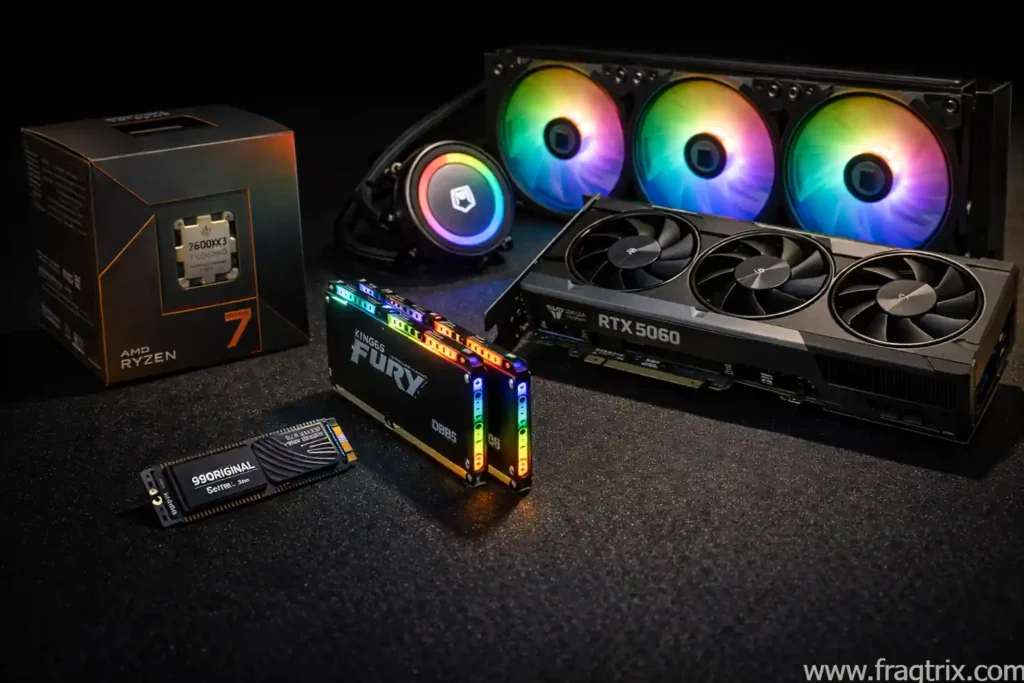
at $1,050, you can play games really well at 1080p and competently at 1440p. the Nvidia RTX 5060 is the best GPU option in this price range.
$1,100 build components
| component | model | price |
|---|---|---|
| CPU | AMD Ryzen 7 7600X3D | $299 |
| motherboard | ASRock B650M PG Lightning Wifi 6E | $130 |
| GPU | Nvidia RTX 5060 | $299 |
| RAM | Kingston Fury Beast 32GB DDR5-6000 | $400 |
| storage | Biwin Black Opal NV7400 1TB SSD | $128 |
| case | Phanteks XT Pro | $60 |
| PSU | ASRock Challenger CL-750G 750W 80+ | $70 |
| cooler | ID-Cooling FrostFlow 280mm | $50 |
| total | $1,036 |
the Nvidia RTX 5060 8GB model goes for as little as $299. note that the 8GB model has less VRAM than the 16GB version, which matters for demanding games. the AMD Ryzen 7 7600X3D is a 6-core, 12-thread CPU with 96MB of L3 cache, making it excellent for 1080p gaming. this moves you from older AM4 to the newer AM5 platform and DDR5 RAM. the ASRock B650M motherboard is budget-friendly but fully supports the Ryzen processor. it includes Q-Flash Plus for BIOS updates without a CPU installed. the Ryzen 7 7600X3D doesn’t include a stock cooler, so we add an inexpensive 240mm AIO. we step up to 32GB DDR5-6000 RAM, which is technically the limit for this platform. the Phanteks XT Pro case has high-quality mesh, room for a 360mm AIO, and support for back-connecting motherboards. the new PSU includes ATX 3.1 and a native PCIe 5.1 cable for your GPU.
best $1,500 PC build for gaming
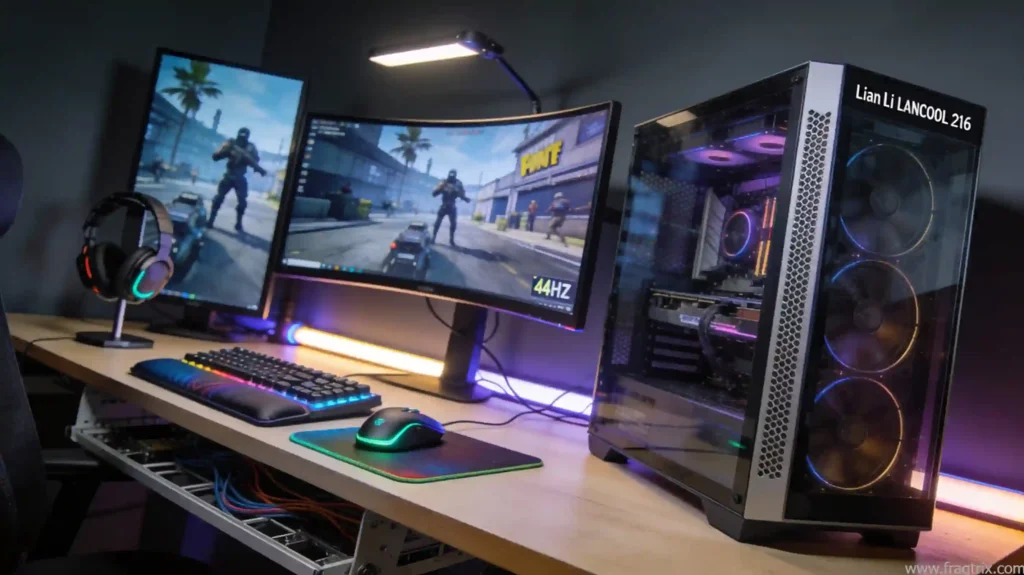
with $1,500, you build a system that excels at 1080p, runs strong at 1440p with ultra settings, and handles ray tracing well.
$1,500 build components
| component | model | price |
|---|---|---|
| CPU | AMD Ryzen 7 7800X3D | $399 |
| motherboard | MSI MAG B850 Tomahawk MAX Wifi | $229 |
| GPU | RTX 5060 Ti (16GB) | $449 |
| RAM | Crucial Pro 32GB DDR5-6000 | $325 |
| storage | Biwin NV7200 2TB | $199 |
| case | Lian Li Lancool 216RX | $100 |
| PSU | ASRock Steel Legend SL-850G 850W 80+ Gold | $90 |
| cooler | ID-Cooling FrostFlow 280mm | $50 |
| total | $1,516 |
the RTX 5060 Ti delivers around 61-62 FPS at 1440p with ultra settings. it handles high-FPS gaming at 1080p with 144 FPS+. with ray tracing enabled at 2K ultra, you get 51 FPS. the Ryzen 7 7800X3D is an 8-core 12-thread processor with higher clock speeds of 4.7 GHz to 5 GHz. extra cores help modern games that benefit from more than 6 cores. the MSI MAG B850 Tomahawk MAX Wifi is one of the best budget AMD motherboards of 2025. it includes ample storage options, fast Wi-Fi 7, USB 3.2 Gen 2×2, and 5 GbE LAN. the 32GB Crucial DDR5-6000 kit is affordable and hits AMD’s sweetspot for memory speed and cost. the Biwin NV7200 2TB SSD offers 7,200 MB/s read/write speeds with plenty of space for multiple AAA games. the Lian Li Lancool 216 case includes dual RGB 160mm front fans and single 140mm exhaust with excellent cable management. the ASRock Steel Legend power supply is 80 Plus Gold and includes ATX 3.1/PCIe 5.1 standards.
best $2,000 PC build for gaming
at $1,919, this high-end build dominates at 1080p, runs 1440p ultra with strong frame rates, and handles 4K with playable frame rates.
$2,000 build components
| component | model | price |
|---|---|---|
| CPU | AMD Ryzen 7 9800X3D | $470 |
| motherboard | MSI MAG B850 Tomahawk MAX Wifi | $230 |
| GPU | Nvidia RTX 5070 Ti | $750 |
| RAM | Crucial Pro 32GB DDR5-6000 | $325 |
| storage | Biwin NV7200 2TB | $199 |
| case | Hyte Y40 | $100 |
| PSU | ASRock Steel Legend SL-850G 850W 80+ Gold | $90 |
| cooler | ID-COOLING FX360 360mm | $80 |
| total | $1,919 |
the Nvidia RTX 5070 Ti averages 100.3 FPS at 1440p on a 16-game rasterization test. it delivers 61.2 FPS at 4K. the AMD Ryzen 7 9800X3D features 8 cores, 16 threads, and a massive 96MB of cache to enhance gaming performance. AMD also makes the Ryzen 9 9950X3D with 16 cores, but it costs significantly more for minimal gaming gains. the ID-Cooling FX360 360mm cooler offers low noise and excellent cooling performance with attractive RGB. the MSI MAG B850 Tomahawk MAX WiFi motherboard has everything you need including overclocking support with 14+2+1 phase VRM. we keep the 32GB Crucial kit and Biwin NV7200 2TB SSD from the previous build. the Hyte Y40 case features beautiful wraparound glass extending from front to left side, available in multiple colors.
best $4,000+ PC build for gaming
this top-of-the-line build features the latest flagship components for maximum performance across all resolutions.
$4,000+ build components
| component | model | price |
|---|---|---|
| CPU | AMD Ryzen 9 9950X3D | $520 |
| motherboard | Asus ROG Strix X870E-E Gaming Wifi | $371 |
| GPU | Nvidia RTX 5090 | $2,799 |
| RAM | Patriot Viper Venom 64GB DDR5-6400 | $770 |
| storage | Samsung 990 Pro (4TB) | $450 |
| case | Fractal Design North XL | $146 |
| PSU | Corsair RM1000e | $145 |
| cooler | Cooler Master MasterLiquid PL360 FLUX | $150 |
| total | $4,581 |
the Nvidia RTX 5090 is now available from reputable retailers without scalper markups. the cheapest available at press time was $2,799, which is $800 above the $1,999 MSRP. in testing, the RTX 5090 plays games at 4K with ultra settings and ray tracing enabled. it averaged 90.2 FPS on a 6-game test, 20 FPS more than its predecessor the RTX 4090. the AMD Ryzen 9 9950X3D offers faster gaming than any Intel CPU. it has 140MB of cache thanks to 3D V-Cache and boasts 16 full-power cores and 32 threads. it beat Intel’s flagship 14900K by 40 FPS on 1080p gaming tests. the Asus ROG Strix X870E-E includes Wi-Fi 7, four M.2 slots, and USB4. the Cooler Master MasterLiquid PL360 Flux is relatively affordable at $157. the Patriot 64GB DDR5-6400 kit offers plenty of headroom for pushing performance limits. the Samsung 990 Pro 4TB is the fastest PCIe 4.0 drive available with plenty of storage capacity. we avoid PCIe 5.0 drives as performance gains don’t justify the extra cost. the Fractal Design North XL features wood-paneled front styling that looks like mid-century modern furniture. it includes tempered glass side panel and excellent thermal performance. the Corsair RM1000e provides 1,000 watts of Cybenetics Gold certified power with full modularity.
component selection guide for the best gaming PC builds 2026
when choosing components for your build, consider these guidelines. CPUs heavily affect 1080p gaming, so look for strong gaming benchmarks and high L3 cache. GPUs are the most important and expensive component, so get the best available in your price range that’s actually in stock. RAM should be at least 32GB, with DDR4 being cheaper than DDR5. make sure your CPU and motherboard support the RAM type you choose. for motherboards, ensure the board accommodates your CPU. if your CPU is newer than the motherboard chipset, get a board with BIOS Flashback capability. built-in Wi-Fi is a nice bonus. for SSDs, aim for at least 1TB with 2TB being preferable. PCIe 4.0 drives offer good value. PCIe 5.0 drives are faster but not worth the extra cost. for cooling, try to save money by purchasing CPUs with stock coolers included. otherwise, a 360mm or 240mm AIO is good. don’t spend excessively on cooling. for power supplies, lower-end builds need adequate wattage. high-end builds need 750-850 watts minimum and should be Gold or Platinum certified for energy efficiency. for cases, ensure it fits your motherboard size. look for good case fan placements, room for 360mm AIO coolers, tempered glass side panels, and both USB-C and USB Type-A front ports
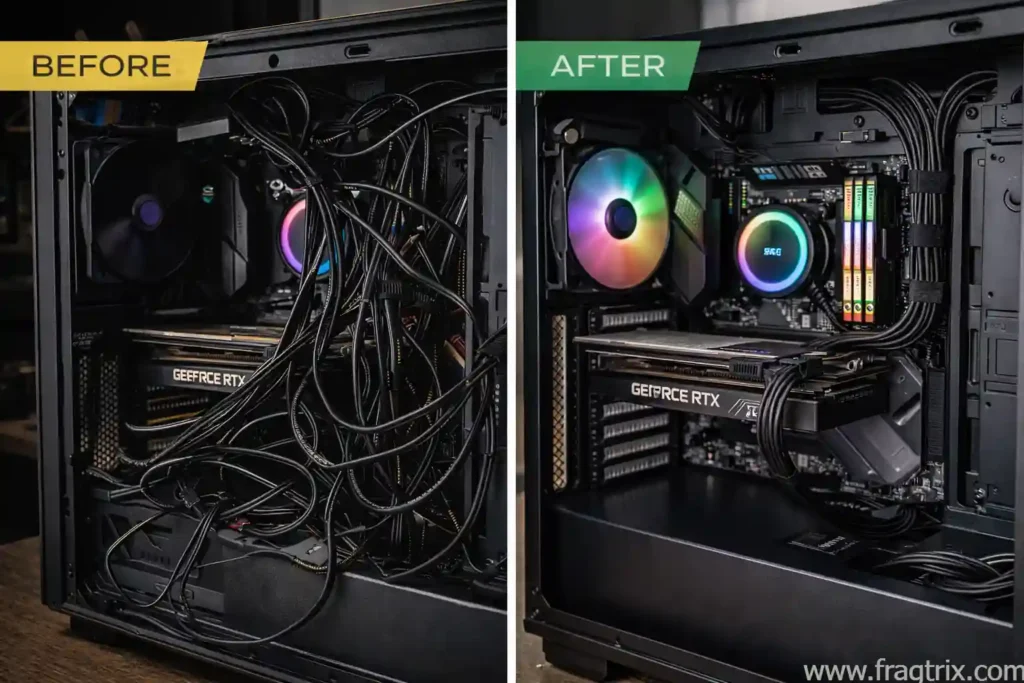
building your own gaming PC gives you control over every component while saving hundreds of dollars. this guide provides recommended builds for every budget from $500 to $4,000+. whether you’re a casual gamer on a tight budget or a hardcore player with deep pockets, there’s a build option for you. prices change frequently, so always check current availability and pricing before purchasing components. focus on getting the best GPU you can afford within your budget, as this has the biggest impact on gaming performance.