Look, I’m not gonna sugarcoat this: 2026 is a brutal year to build or upgrade a PC. RAM prices have absolutely exploded in some cases doubling or even tripling over the past year. That 32GB DDR5 kit you could grab for around $100 last year? Now it can easily hit $300-400 depending on the brand and market conditions. It’s insane.
I’ve literally watched RAM kits I was tracking jump $40-50 in a single week. The volatility is real.

But here’s the thing: if you’re strategic about it, there are still solid upgrades worth making. The catch is, the answer to “should I upgrade my office PC or gaming rig?” isn’t what it used to be. The market has fundamentally changed, and your wallet needs to know the difference.
Let’s break down this office PC vs gaming PC decision for 2026, and figure out which one is gonna drain your bank account for disappointing returns.
The 2026 reality: why everything changed
The RAM pocalypse explained
AI companies OpenAI, Google, Meta, Amazon are building data centers as fast as humanly possible. These massive AI servers need mountains of memory, and they’re willing to pay premium prices for it. Memory manufacturers like Samsung and SK Hynix saw the writing on the wall and shifted production to high-bandwidth memory (HBM) for data centers.
Consumer RAM? Got thrown under the bus.

Dimensions: 1920x1080px
What this means for you
Your RAM got expensive. Really expensive. DDR5 and DDR4 prices have seen massive increases often doubling or more in many cases. SSDs jumped anywhere from 10-50% depending on capacity and brand. Prebuilt systems from Dell, HP, and Lenovo are running roughly 15-20% higher on average than they were six months ago.
And this isn’t ending anytime soon. Most analysts expect elevated pricing through 2026, with a good chance it spills into 2027. Translation: if you’re planning a gaming PC upgrade right now, prepare to feel the pain in your wallet.
The good news (Sort Of)
Office PC upgrades are still viable. You don’t need a dedicated graphics card and you can get away with 16GB of RAM instead of 32GB. That means you’re dodging the worst of the price increases. That’s why the smart money in 2026 is on office upgrades not gaming.
Office PC vs gaming PC: core differences
What office PCs actually need
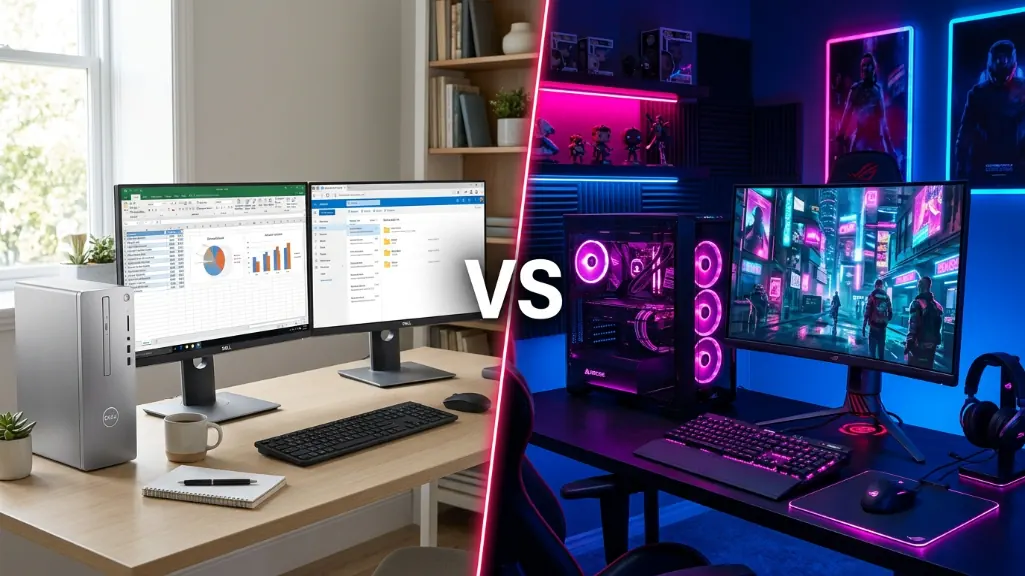
Office work doesn’t demand much. Integrated graphics handle dual monitors just fine. 16GB of RAM lets you juggle spreadsheets and browser tabs without stuttering. A decent CPU keeps everything smooth. You’re not rendering 4K video or running ray tracing you’re answering emails and editing PowerPoints.
What gaming PCs demand
Gaming is different. You need a dedicated GPU that costs more than some people’s entire office PC. You want 32GB of RAM because modern games eat memory like it’s going out of style. High-performance cooling keeps your components from melting. A beefy power supply feeds all that hardware.
The component breakdown
Here’s what actually separates these two types of builds:
Dimensions: 1920x1080px
| Component | Office PC | Gaming PC |
|---|---|---|
| CPU | Intel i5/i7 or AMD Ryzen 5/7 | High single-core performance (Ryzen 7 7800X3D) |
| RAM | 16GB adequate, 32GB for power users | 32GB becoming standard (16GB struggles) |
| GPU | Integrated graphics (Intel UHD, AMD Radeon) | Dedicated card essential (12GB+ VRAM) |
| Storage | 512GB-1TB SSD | 1TB+ NVMe Gen4 (games are huge) |
| Cooling | Basic airflow, quiet operation | Advanced cooling (360mm AIO, multiple fans) |
| PSU | 250-500W, basic efficiency | 750-1200W, high efficiency (80+ Gold) |
| Focus | Stability, reliability, low power | Raw performance, high FPS |
The fundamental difference? Gaming PCs need a dedicated GPU and a ton of RAM. Office PCs don’t. And in 2026, those two components are where prices went absolutely nuclear.
Office PC upgrades: best bang for your buck
The SSD upgrade that changes everything
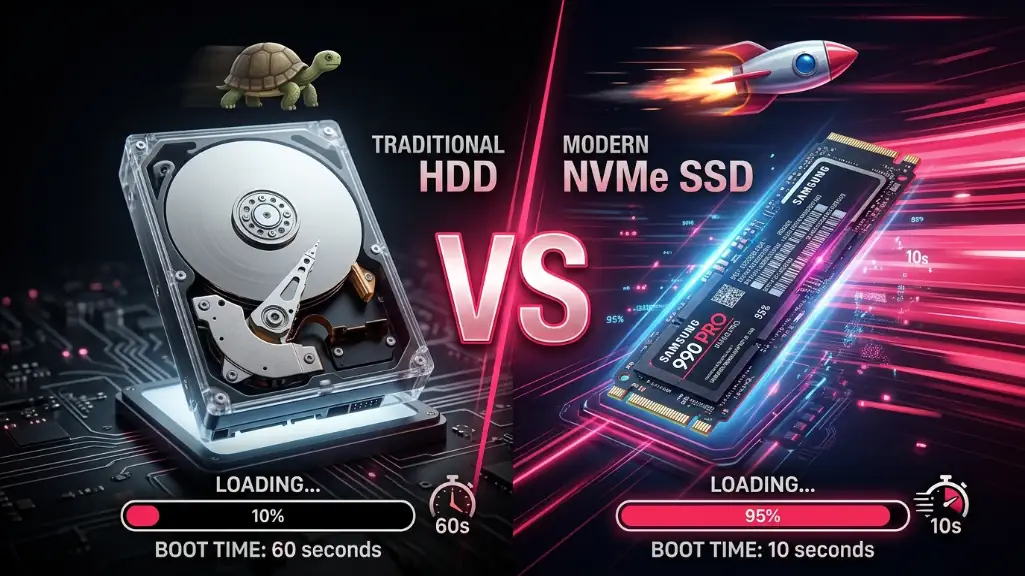
If you’re still running a hard drive in 2026, stop what you’re doing and go buy an SSD. Right now. This is the single most impactful upgrade you can make, and it’s still relatively cheap at around $50-85 for a decent 512GB-1TB NVMe drive depending on sales.
Your computer will feel brand new. Boot times go from “grab a coffee” to “blink and you missed it.” Excel files pop open instantly. Photoshop loads without giving you time to question your career choices. The speed difference is absurd.
Dimensions: 1920x1080px
When 16GB RAM Is enough (and when It’s not)
Basic office stuff? Email, web browsing, Office apps, video calls? 16GB handles it easy. You can juggle 10+ browser tabs and hop on a Zoom call without your system choking.
Power users who run a dozen apps at once, work with massive spreadsheets, or do content creation on the side? Yeah, you’d benefit from 32GB. But that upgrade can easily cost $300-400 right now, depending on what kit you’re looking at. That’s a lot of money for RAM. My advice: skip it. Wait for prices to settle down, probably sometime in 2027.
Why you don’t need a graphics card
Integrated graphics are actually good now. Intel UHD Graphics and AMD Radeon Graphics run dual 4K monitors, handle video calls, stream Netflix, and even do light photo editing without breaking a sweat. Unless you’re secretly gaming on your work PC, that $300+ dedicated GPU is money down the drain.
Gaming PC upgrades: fighting the price spiral
GPU first, everything else later
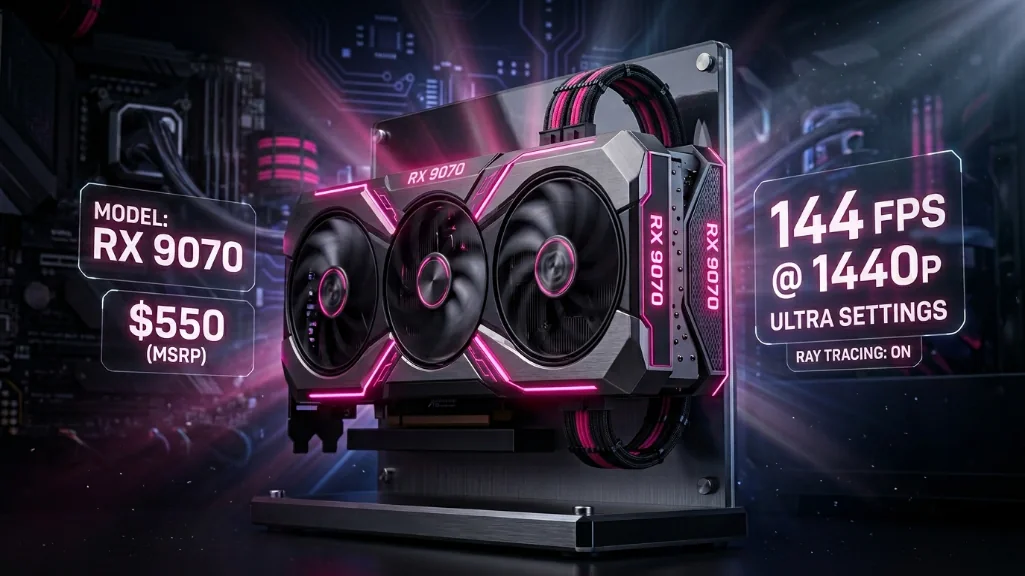
Your GPU is where the magic happens. It’s the biggest factor in gaming performance, and it’s still your top priority.
What makes sense in 2026:
- Budget: RX 7600 (around $280) – solid 1080p
- Mid-range: RX 9070 / RTX 4070 (roughly $550) – crushes 1440p
- High-end: RTX 5070 / RX 9070 XT (ballpark $600-700) – handles 4K
Try to grab 16GB of VRAM if you can. Those 12GB cards are starting to struggle.
The 32GB RAM dilemma
Real talk: 32GB of DDR5 can run you anywhere from $300-400 right now depending on brand and sales. Six months ago? You could find decent kits for around $100. Let that sink in.
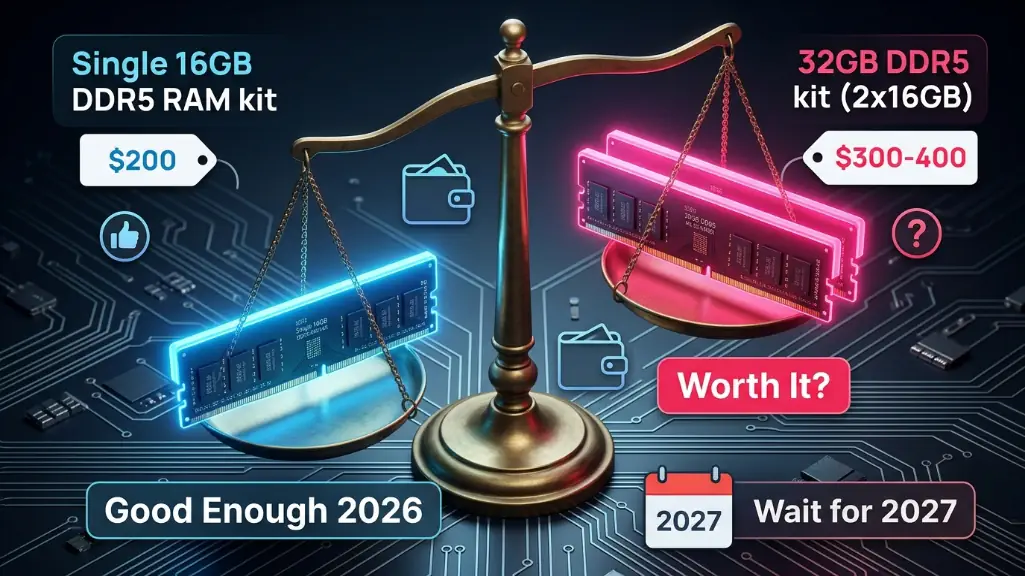
Games run better with 32GB, but is it worth that premium? Not in my book. Build with 16GB now (which will still set you back around $200), then grab another 16GB stick once the shortage eases up. You could save $100-150 or more by being patient.
The monitor upgrade nobody talks about
Upgrading your monitor is often more noticeable than upgrading your GPU. Going from 1080p 60Hz to 1440p 144Hz? Game-changer.
Everything feels smoother, colors pop. And monitors last years they’ll outlive your GPU build after build.
What $500 buys you in 2026
This is where reality hits hard.
People keep asking me if a $500 gaming PC is still realistic. Short answer: not really in 2026.
Office PC: actually good
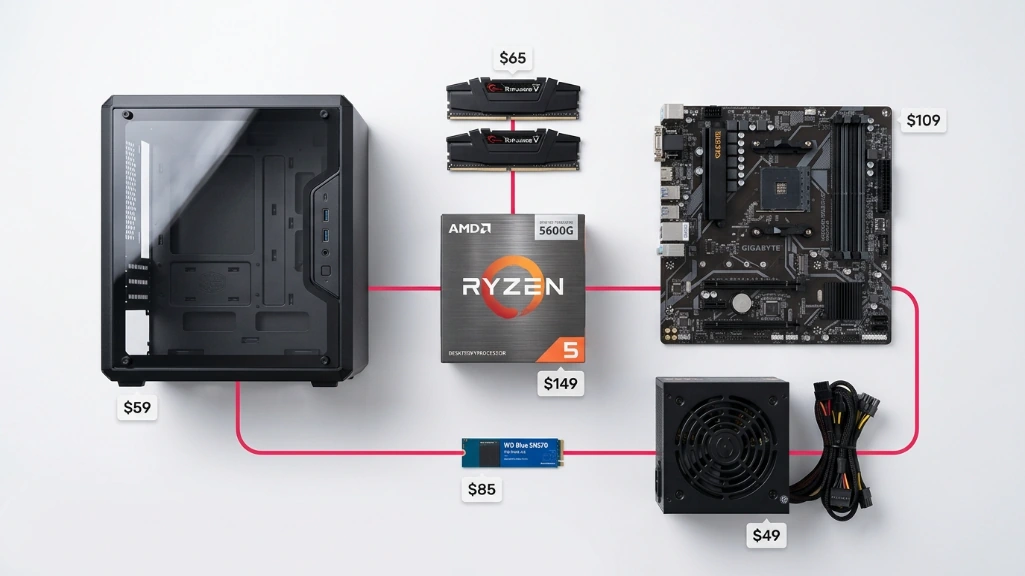
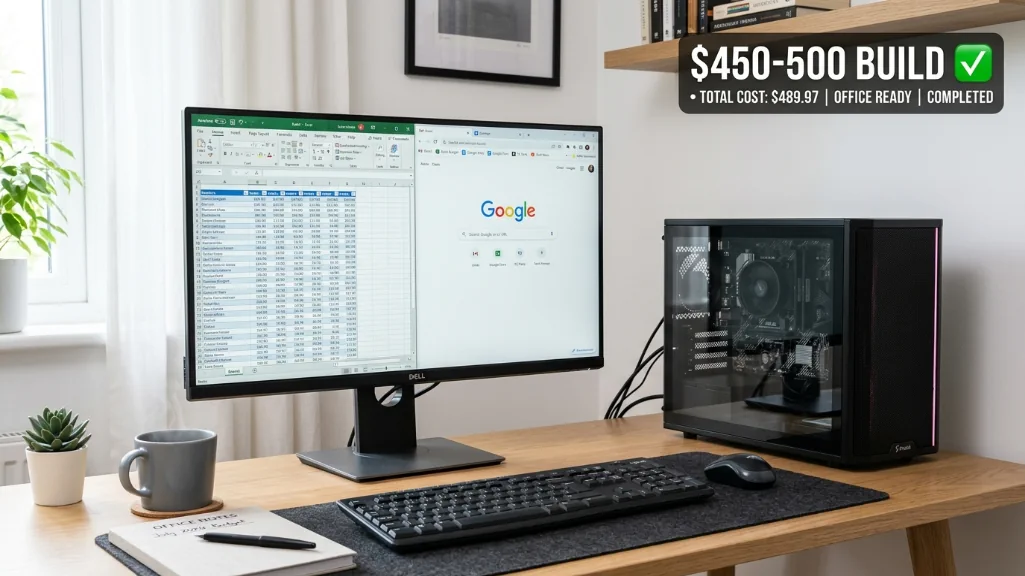
You can build a legit office PC for around $500:
| Component | Example Model | Approx. Price |
|---|---|---|
| CPU | AMD Ryzen 5 5600G (integrated GPU) | ~$135 |
| Motherboard | B550M | ~$90 |
| RAM | 16GB DDR4-3200 | ~$85 |
| SSD | 512GB NVMe Gen4 | ~$50 |
| PSU | 500W 80+ Bronze | ~$50 |
| Case | Budget micro-ATX | ~$40 |
| Total | ~$450-500 |
Prices vary by region and sales. This is a ballpark estimate, not a fixed build cost.
This thing handles Office 365, Google Workspace, video calls, 10+ browser tabs, light photo editing, and can even play older games at low settings. It’s a genuinely useful machine that won’t make you hate your life.
Gaming PC: not happening
A $500 gaming PC in 2026? Yeah, forget about it. The math doesn’t work anymore.
The absolute bare minimum looks something like this:
- Ryzen 5 5500: ~$85
- Budget motherboard: ~$70
- 16GB DDR4: ~$85
- RTX 3050 or RX 7600: ~$250-280
- 500GB SSD: ~$45
- PSU: ~$50
You’re already pushing $585-600, and you’re making painful compromises, old CPU with no future upgrades, tiny storage that fills up after three games. No Windows license. gaming performance that’s just… meh.
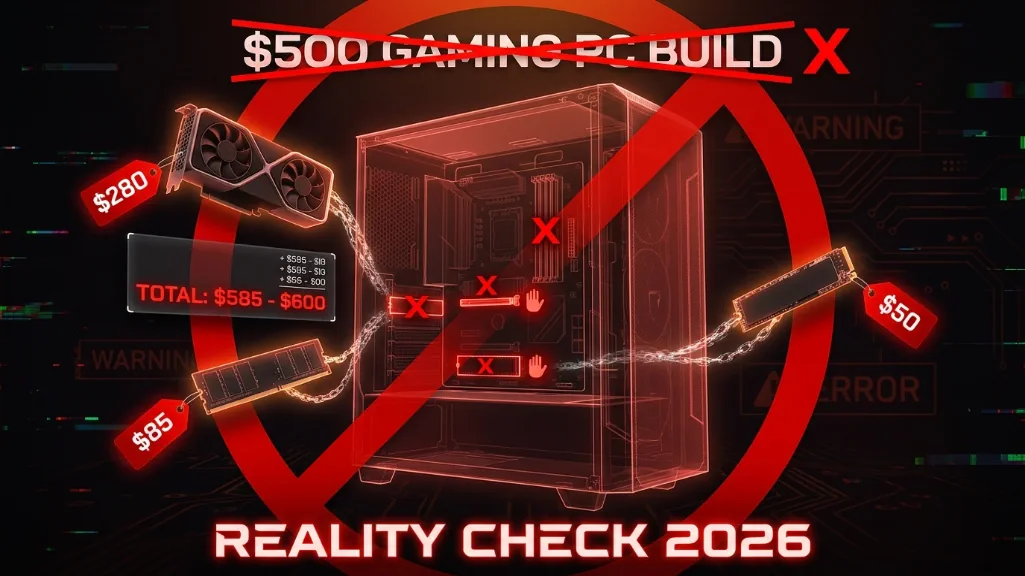
Multiple tech sites have straight-up stopped updating their budget gaming PC guides because the current pricing makes a truly viable $500 gaming PC nearly impossible. If you want gaming in 2026, you realistically need at least $1,000 to get something that won’t frustrate you.
AI PCs: worth the premium?
What AI features actually do
AI PCs are the hot new thing in 2026. These systems pack dedicated NPU chips that run AI tasks right on your machine no cloud, no internet needed.
The useful stuff:
- Copilot: AI assistant baked into Windows
- Recall: Search your digital life by describing what you remember
- Live Captions: Works with 40+ languages, even offline
- Studio Effects: Makes you look good on video calls
Who actually needs one
If you live in video calls or drown in documents, AI PCs deliver value. But they typically cost an extra $200-400 over standard office PCs. for most people? It might make more sense to wait until late 2026 or 2027 when the pricing settles down and more software actually takes advantage of the hardware.
The better alternative
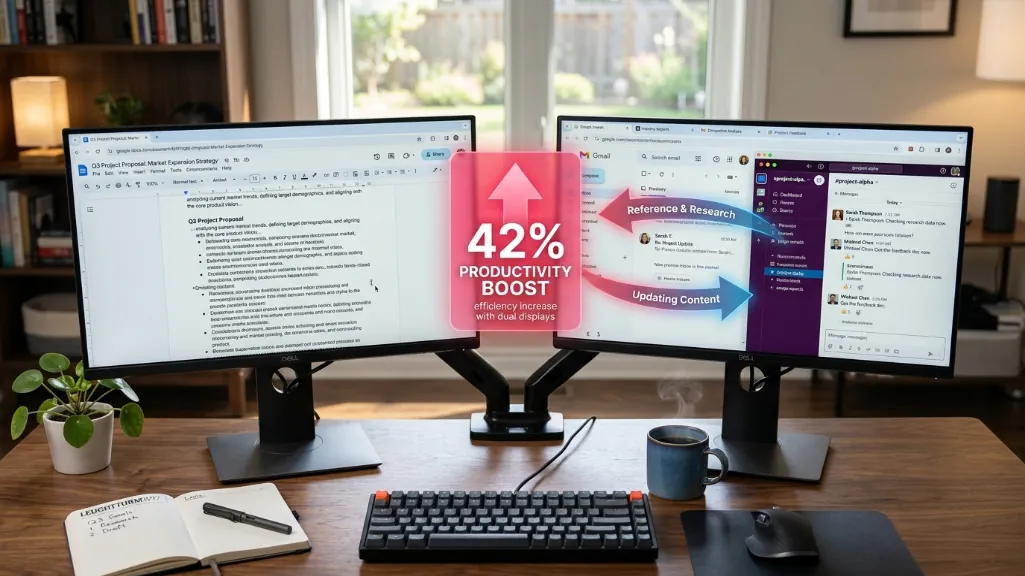
Spend around $500 on a solid office PC and roughly $150 on a second monitor instead. Dual monitors can seriously boost productivity—some studies suggest gains around 40% or more. That’s a bigger improvement than any AI feature for most workers, and you save money.
Smart upgrade timing: now vs later
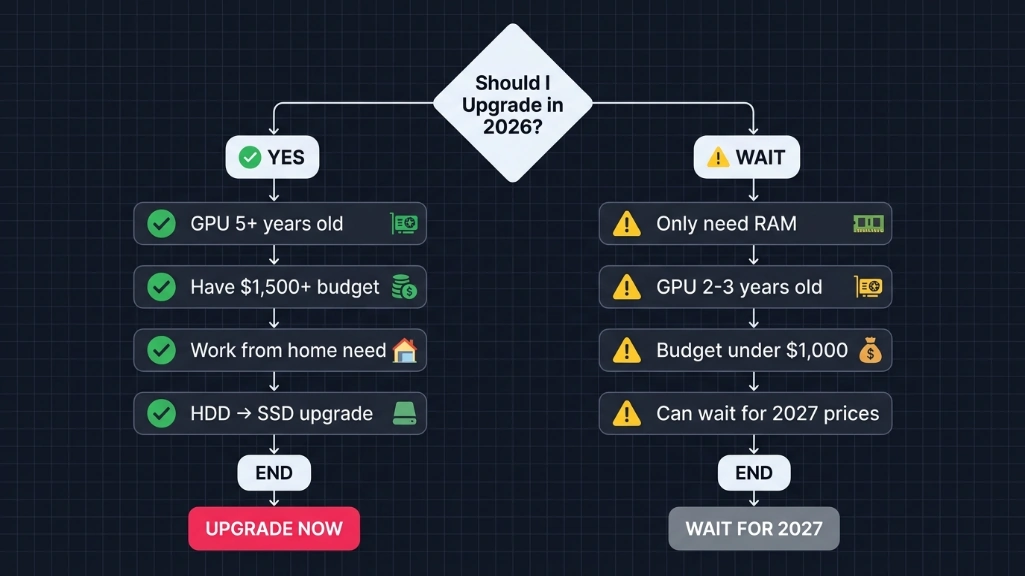
Upgrade now if
Office PC:
- You’re still on a hard drive (SSD upgrade transforms everything)
- 8GB RAM is making your computer stutter when you have Slack and Chrome open
- You work from home and your current setup is making you miserable
Gaming PC:
- Your GPU is ancient (5+ years old and struggling hard)
- You have $1,500+ burning a hole in your pocket
- You’re playing competitively and performance matters right now
Wait until 2027 if
Gaming PC:
- RAM is what you really need (analysts expect significant price corrections once the shortage eases)
- Your GPU is only 2-3 years old and still handling games okay
- You’re working with under $1,000
- You can deal with current performance for another 6-12 months
Industry watchers project that RAM production will ramp up meaningfully once AI data center demand stabilizes. Most expect this to happen sometime in 2027, which could bring prices down substantially. If you can afford to wait, patience might save you a good chunk of money.
The verdict: which should you upgrade?
Choose office PC if
Your PC is mainly for work, browsing, and getting stuff done. Your budget is tight (somewhere in the $500-800 range), you don’t play demanding games. You want the best value your money can buy right now.
That’s the play in 2026. Office PCs still make financial sense.
Choose gaming PC if
Gaming is what you actually care about. You’ve got $1,000+ ready to spend, your current GPU is ancient and bottlenecking everything, you’re okay with paying premium prices because you can’t wait another year.
Just know what you’re getting into it’s expensive right now.
The smart hybrid solution
Build an office PC with integrated graphics (around $500), then add a budget GPU (roughly $200-300) when you feel like gaming. total cost: somewhere in the $700-800 ballpark. You get a machine that handles both work and play, and you don’t have to fork over $300-400 for RAM you don’t immediately need.
The 2026 PC market is weird, expensive, and honestly kind of frustrating, but if you time things right and know what to prioritize, you can still build or upgrade without getting completely screwed. office PCs are the value play this year, gaming PCs? That’s more of a luxury purchase right now.
Choose accordingly.