
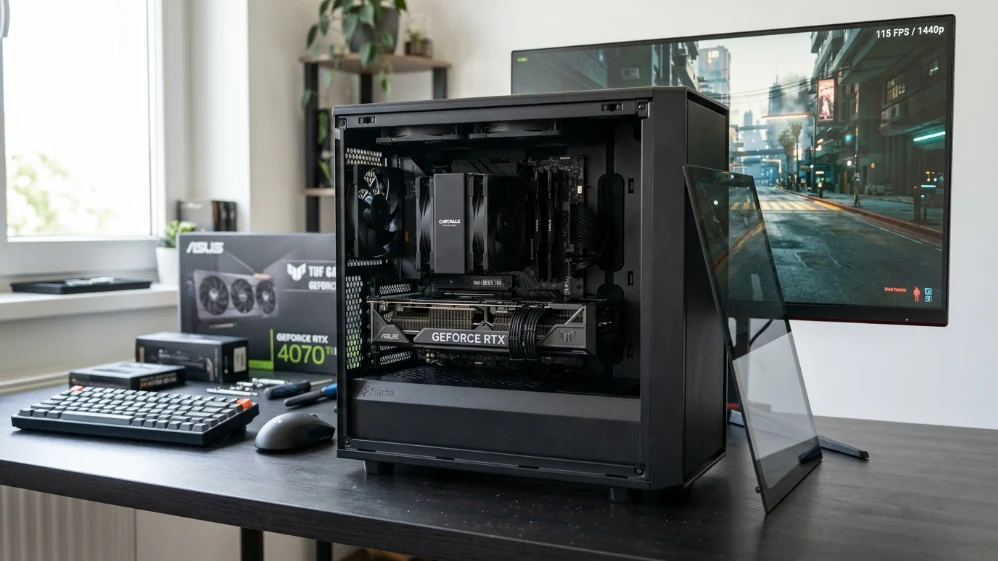
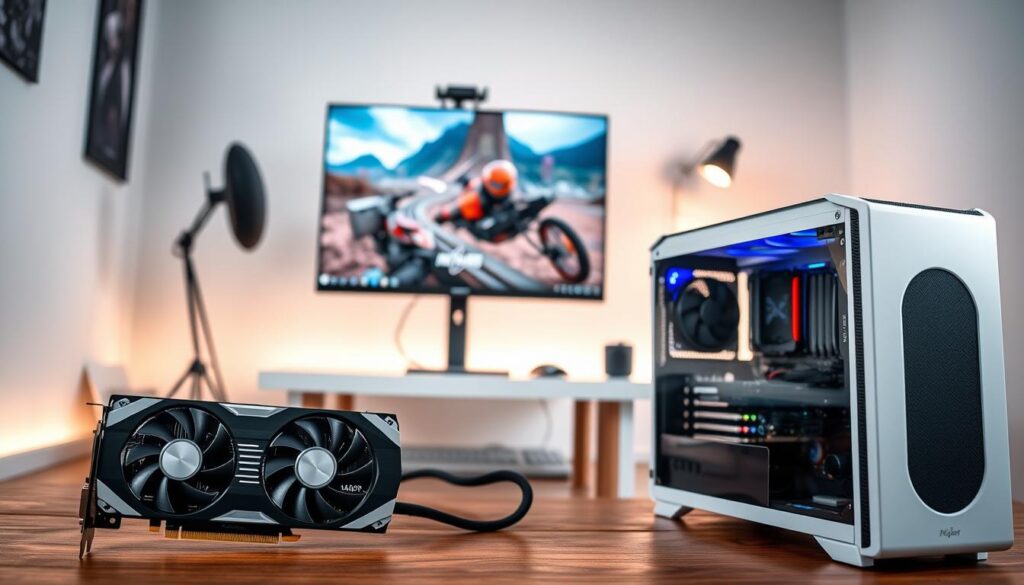
The RTX 5070 is the GPU most people should be building around in 2026, not the 5070 Ti, not the 5080, the plain 5070, it handles 1440p at high to ultra settings in virtually every current game, DLSS 4 with Multi Frame Generation pushes it well above its raw rasterization numbers, and at $549 MSRP it sits right where value and performance cross over.
This rtx 5070 gaming pc build 1440p target is doable for around $1500 in 2026, it’s tighter than it should be, largely because of one component that’s made every build more expensive than expected this year: RAM. More on that shortly.
Here’s the full build.
RTX 5070 gaming PC build 1440p: component by component
| Component | Pick | Price (May 2026) |
|---|---|---|
| GPU | NVIDIA GeForce RTX 5070 12GB | ~$580–630 |
| CPU | AMD Ryzen 5 9600X | ~$200–214 |
| Motherboard | MSI B650M Gaming Plus WiFi | ~$110–130 |
| RAM | 32GB DDR5-6000 CL30 (2x16GB) | ~$270–310 |
| Storage | 1TB NVMe SSD PCIe Gen4 | ~$65–75 |
| CPU Cooler | ID-Cooling FROZN A410 | ~$35 |
| PSU | 750W 80+ Gold | ~$75–90 |
| Case | Mid-tower mATX | ~$65–80 |
| Total | ~$1,415–1,539 |
A few notes on this table. The GPU line is the most volatile, RTX 5070 street prices have ranged from $550 to $630 depending on model and retailer, the RAM line is the second wildcard, if you catch both at the lower end, you land comfortably under $1500. If you hit both at the top, you’re at $1540, budget accordingly and use price alerts.
Storage is listed at 1TB here to keep the build honest to the title, if you want 2TB, add roughly $25–35 and accept that you’re at $1500–1575 total, both are reasonable choices.
GPU — RTX 5070 12GB GDDR7
The centerpiece of this build and the reason you’re here.
Why the RTX 5070
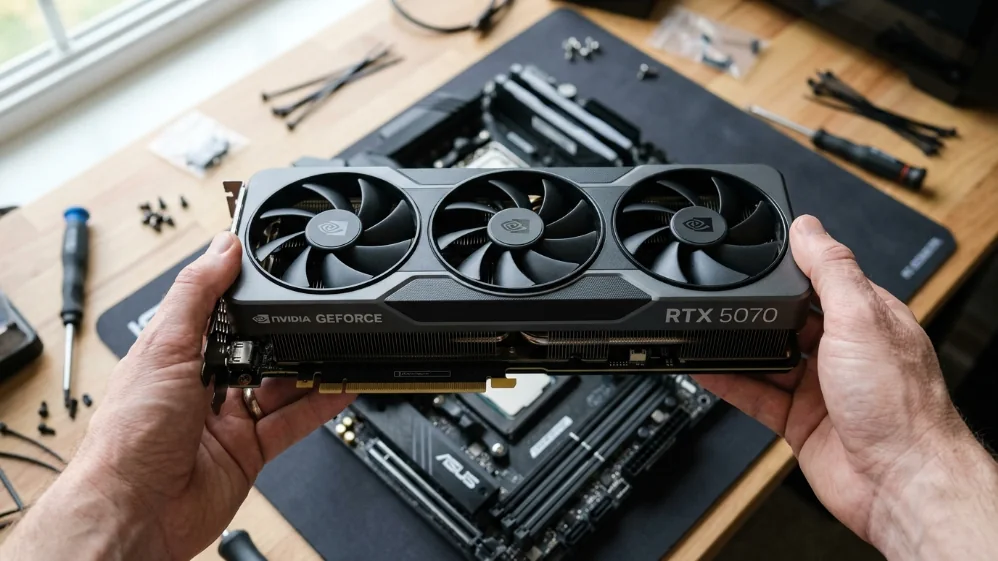
The RTX 5070 is built on NVIDIA’s Blackwell architecture with 6,144 CUDA cores, 12GB GDDR7 memory, and full DLSS 4 support including Multi Frame Generation, at 1440p it handles every current title at high or ultra settings with comfortable frame rates, and DLSS 4 pushes those numbers significantly higher in supported games by generating additional frames via dedicated tensor cores.
For the $1500 tier, there’s no better NVIDIA option, the 5070 Ti costs $200+ more and the performance gap at 1440p doesn’t justify it at this budget.
Pricing Reality
MSRP is $549, but that price is hard to find in practice, street pricing on the RTX 5070 has run between $550 and $630 depending on model and timing, the Founders Edition occasionally appears at MSRP on Best Buy, but sells out quickly, set a price alert and be patient, paying $620 for a $549 card isn’t ideal, but it’s where the market sits right now.
The Honest VRAM Situation
12GB VRAM is sufficient for 1440p gaming in 2026, that’s confirmed by current benchmarks, in the heaviest titles at maximum settings, you may need to drop one or two presets or lean on DLSS to avoid hitting the buffer ceiling, at 4K ultra textures, 12GB becomes genuinely limiting. This is a 1440p card and it performs that role well. Going in expecting 4K ultra without DLSS is setting the wrong expectation for this GPU tier.
CPU — AMD Ryzen 5 9600X
Why Not the 9700X
Some build guides at this tier push the Ryzen 7 9700X, for a $1500 build, that’s the wrong call.
Gaming benchmarks across multiple titles consistently show the 9700X averaging around 6% faster than the 9600X in gaming workloads, that’s a gap you won’t feel in actual gameplay, the 9700X costs roughly $100 more, and at a $1500 budget, that $100 is better spent keeping your build within target rather than chasing a difference that disappears in practice. If budget were no concern, the 9700X would be a fine luxury, it’s not the right pick when you’re trying to stay around $1500 with an RTX 5070 in the build.
The 9600X is the gaming-focused choice here, it handles the RTX 5070 without bottlenecking at 1440p, and the money saved stays in your pocket or covers RAM costs.
Platform and Cooling
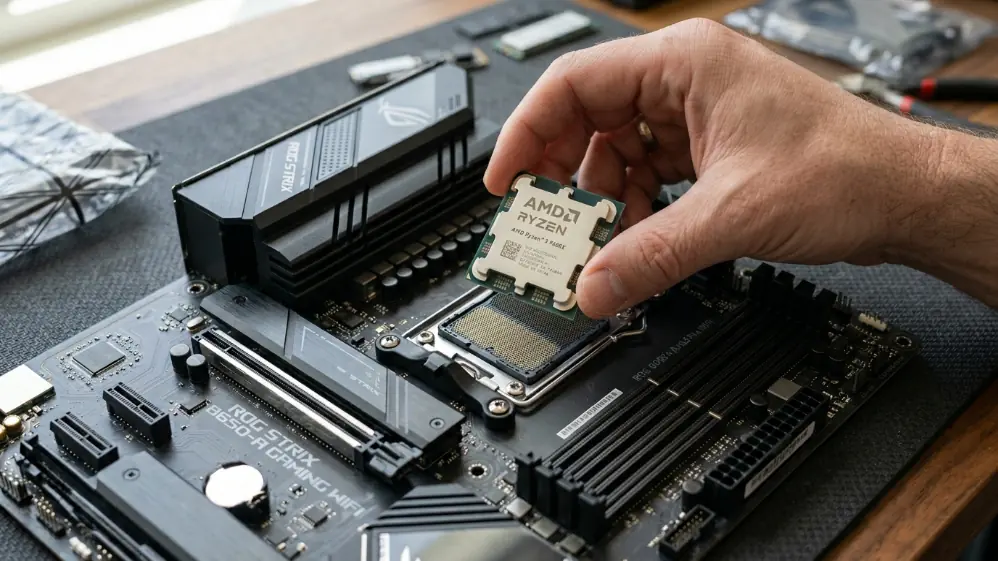
The 9600X runs on AMD’s AM5 socket, the current-generation platform with confirmed CPU support through at least 2027, that matters for longevity: if you want to drop in a Ryzen 9800X3D later when prices settle, this board supports it without any other changes.
At 65W TDP, the 9600X runs cool and quiet on a basic air cooler, A $35 single-tower cooler is more than enough. No liquid cooling needed.
Motherboard: MSI B650M Gaming Plus WiFi
A $200 motherboard does not make your games run faster, a solid B650 board at $110–130 does everything this build needs and doesn’t add unnecessary cost.
What You Get
The MSI B650M Gaming Plus WiFi covers the essentials without padding the price: AM5 socket, DDR5 support with EXPO compatibility, PCIe 4.0 x16 for the GPU, which is more than adequate since no current consumer GPU saturates PCIe 4.0 bandwidth, onboard WiFi 6E, 2.5G LAN, and solid VRM quality for the price tier, it’s a Micro ATX board, which keeps case options flexible.
If You Want More
The MSI MAG B650 Tomahawk WiFi sits around $150–170 and steps up with better VRM, more M.2 slots, and a full ATX layout, worth considering if you have the budget flexibility, For this build, the B650M Gaming Plus WiFi is the right anchor.
RAM 32GB DDR5-6000: The Unavoidable Pain Point
Why DDR5 Is Expensive Right Now
DDR5 pricing in 2026 has become one of the bigger challenges for PC builders at every budget tier, the underlying pressure: Samsung, SK Hynix, and Micron, who together control the vast majority of global DRAM production, have shifted significant manufacturing capacity toward High Bandwidth Memory for AI data centers. Consumer DDR5 supply has tightened as a result, and prices have risen noticeably over the past year compared to 2025 levels. Some consumer RAM product lines have been scaled back or repositioned toward enterprise and OEM markets, further reducing options for end buyers.
This isn’t expected to reverse quickly: analysts broadly expect supply pressure to persist through 2026 and into 2027.
What to Buy
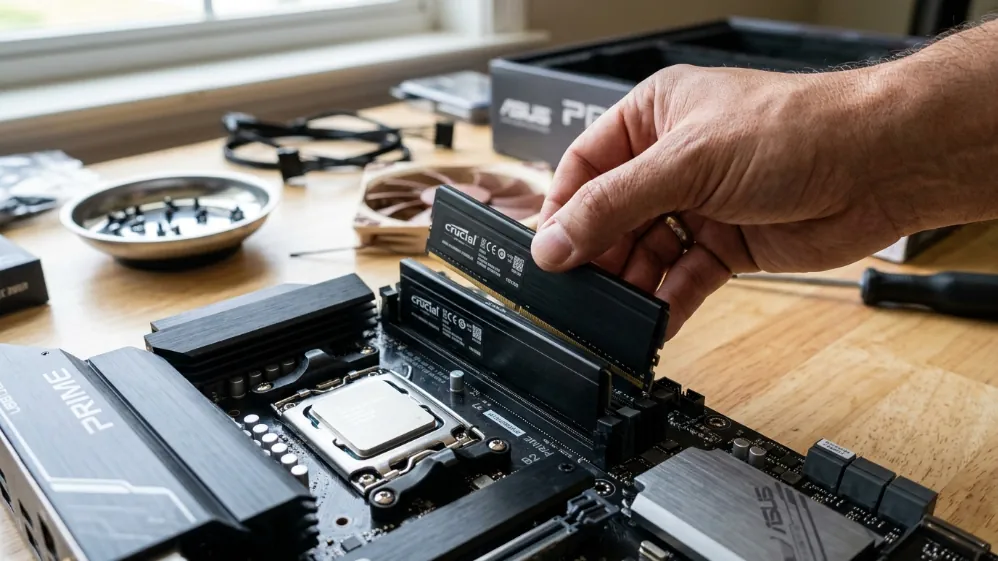
The spec to target is 32GB DDR5-6000 CL30 (2x16GB), that’s the confirmed sweet spot for AMD AM5 platforms, balancing speed, stability, and Ryzen compatibility. A 32GB kit generally runs somewhere in the $270–310 range depending on brand and availability at the time of purchase, check current pricing before committing, as this line fluctuates more than any other component in this build, after installation, enable EXPO in BIOS, without it, your RAM defaults to JEDEC base speeds and leaves meaningful performance on the table.
Don’t cut to 16GB to save money, at 1440p with a browser, Discord, and a game running simultaneously, 16GB gets tight, 32GB is the floor for a build you want to stay comfortable for the next three to four years.
Storage: 1TB or 2TB NVMe PCIe Gen4
Choosing Your Capacity
1TB is listed in this build to keep the total honest to the $1500 target, it covers your OS, a handful of large AAA games, and a rotation of lighter titles, If you want the additional headroom of 2TB, which is genuinely useful given modern game sizes, add $25–35 to your budget and adjust expectations accordingly.
Gen4 vs Gen5
Stick with PCIe Gen4. Gen5 drives exist and cost significantly more, but the real-world gaming benefit is negligible, load times on Gen4 are already fast enough that upgrading to Gen5 produces no meaningful improvement in practice. WD Black SN850X, Samsung 990 Pro, or Seagate FireCuda 530 are all solid Gen4 choices at this budget.
PSU: 750W 80+ Gold
The RTX 5070’s 250W TDP is relatively manageable compared to some competing GPUs at this tier. Even so, 750W gives the full system clean headroom under sustained gaming load with room to spare.
80+ Gold is the efficiency floor worth buying at this price point, corsair, seasonic, and be-quiet! are the reliable names here, don’t cheap out on the PSU, it’s the one component that can damage everything else when it fails.
What This Build Actually Delivers
Expected Performance by Resolution
| Resolution | Scenario | Expected Performance |
|---|---|---|
| 1080p | Native, max settings | 200+ FPS most titles, 300+ in esports |
| 1440p | Native, high/ultra settings | 90–130 FPS in demanding AAA titles |
| 1440p | DLSS Quality mode | 130–180+ FPS in supported titles |
| 1440p | DLSS + Multi Frame Gen | 200+ FPS in MFG-supported titles |
| 4K | Native, ultra | 50–65 FPS — DLSS recommended |
| 4K | DLSS Quality mode | 80–100 FPS in supported titles |
In the heaviest 2026 AAA titles at 1440p native ultra, think Cyberpunk 2077 with RT, Black Myth: Wukong, you may land closer to 80–90 FPS rather than 100+. DLSS Quality brings those numbers up significantly, for competitive titles and mid-weight games, the RTX 5070 at 1440p feels effortless.
What the 9600X Means in Practice
Some guides describe the “optimal” RTX 5070 build as pairing it with a Ryzen 7 9700X, that’s fair if you’re building at $1600+ with no budget pressure, at $1500, the 9600X is within 6% of the 9700X in gaming, a difference that disappears in real sessions, while keeping your total in range. The 9600X is not a compromise. It’s the right call for this tier.
Upgrade Path
Why AM5 Is Worth Committing To
The AM5 platform is the right foundation for a build meant to last. AMD has confirmed socket support through at least 2027, and the Ryzen 9800X3D, currently the fastest gaming CPU available thanks to its 3D V-Cache, is already compatible with B650 boards via a BIOS update, when its price eventually drops, you can upgrade the CPU without touching the motherboard, RAM, or any other component.
The GPU slot, PSU, and storage all carry forward too. This isn’t a dead-end build, it’s a platform you can evolve.
Final Word
This is a machine that handles 1440p gaming at high to ultra settings across every current title, dominates esports frame rates, and gives you a real upgrade path over the next several years, the RAM pricing situation is genuinely frustrating and there’s no workaround, but it’s a market condition that affects every build at this tier equally, not a flaw in this configuration.
Set price alerts on the RTX 5070, grab the cheapest verified DDR5-6000 32GB kit you can find, don’t overspend on the motherboard, and you’ve built a machine that stays relevant at 1440p well into 2028 and beyond.
Component recommendations cross-referenced with GamersNexus, Tom’s Hardware, and PCGuide. Pricing reflects Amazon US and Newegg market data, May 2026. Prices fluctuate, verify before purchasing.
Pingback: PCIe 5.0 vs PCIe 4.0 SSDs for Gaming in 2026 - Fragtrix