
When deciding on a new gaming PC, the first major choice is determining which type of system best fits your needs. Once you’ve settled on a desktop, you face three main options, each with distinct advantages based on your budget, technical expertise, and customization preferences.
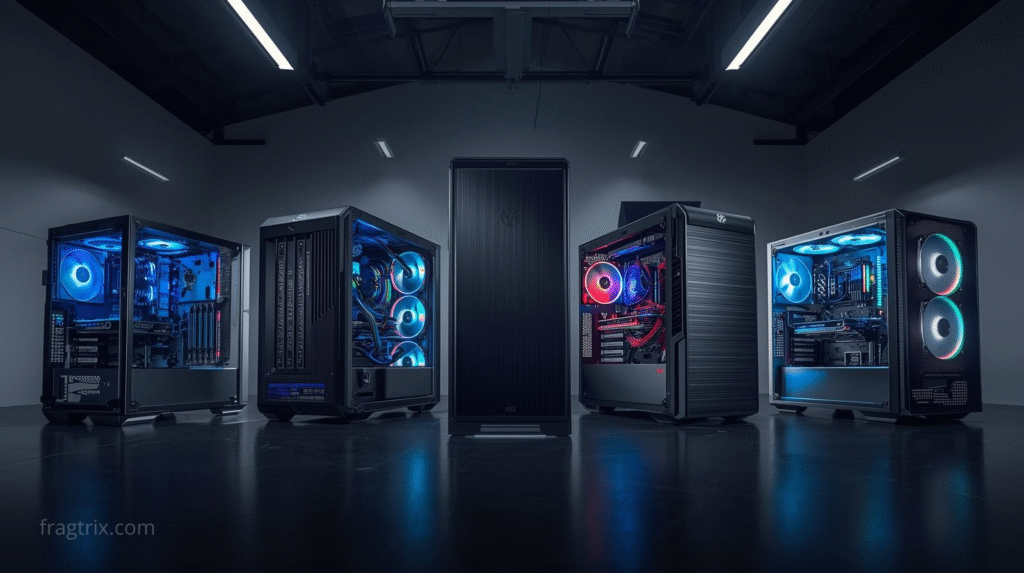
Three Paths to Your Gaming PC
Pre-Built PCs are complete systems assembled by major manufacturers using balanced hardware configurations. These are ready to use immediately out of the box and available at local retailers.
Custom-Built PCs allow you to select specific components while professional technicians handle the assembly. This provides customization without requiring hands-on building experience.
DIY Builds give you complete control over every component and aspect of your system, requiring you to source parts and assemble everything yourself.
Hardware Configuration Comparison
| Option | Customization Level | Who Builds It | Technical Knowledge Required |
|---|---|---|---|
| Pre-Built | System-level selection only | Manufacturer | Minimal – helpful to know desired CPU/GPU |
| Custom | Component-level selection | Professional technicians | Moderate – should understand specs and balance |
| DIY | Fully customizable | You | High – must select and install all components |
Pre-Built systems work best for users who value convenience over granular hardware control. You’ll need to trust the manufacturer’s component choices beyond the main CPU and GPU.
Custom options suit those wanting specific hardware without doing the assembly work themselves. Expert builders handle construction, though you should understand how to balance system specifications.
DIY provides ultimate control from major components down to fans and lighting. You’ll gain deep technical knowledge of your system, making future upgrades straightforward.
Budget Considerations
The traditional belief that DIY is always cheapest no longer holds true. Pricing across all three categories varies based on component availability, demand, and volume discounts.
Pre-Built: Watch for retailer discounts during sales events like Black Friday. Flexibility in your exact requirements can yield substantial savings.
Custom: Costs scale with selected hardware and features like liquid cooling or aesthetic customization. Component-level and bundled discounts can significantly reduce prices.
DIY: Offers maximum flexibility to strategize spending. If upgrading from an older system, compatible components can be reused to reduce costs.
Key Decision Factors
Assembly Time
Pre-Built: Immediate availability, includes peripherals and OS Custom: Requires construction time (days to weeks depending on complexity) DIY: Variable timeline – physical assembly may take a day, but research and component selection can take considerably longer
Technical Support
Pre-Built: Manufacturer warranties and store protection plans available Custom: Typically includes robust support with phone assistance and warranties DIY: Limited to individual component warranties; you handle all troubleshooting
Software
Pre-Built: Operating system and manufacturer programs pre-installed Custom: Usually includes Windows pre-installed DIY: Clean slate requiring OS installation and all software setup
Complete Comparison Overview
| Factor | Pre-Built | Custom | DIY |
|---|---|---|---|
| Hardware Configuration | System level selection | Component level selection | Fully customizable |
| Budget | System level discounts | Component level discounts | Widest selection of component options |
| Assembly Time | No assembly required | May require lead time | Takes time to build |
| Support | Warranty and customer service | Warranty and customer service | Limited to individual parts |
| Software | OS pre-installed | OS often pre-installed | No pre-installed OS |
| Aesthetics | Lightly customizable | Customizable | Fully customizable |
| Visual Options | Limited, mass-produced | Custom finishes, transparent cases | Complete freedom |
| Uniqueness | Standard gaming designs | Professional custom work | Fully personalized design |
Making Your Choice
Your decision should align with three primary factors:
Budget strategy: Whether you prefer lump-sum purchasing or component-by-component pricing
Convenience needs: How quickly you need the system and your willingness to invest time
Customization desires: The level of control you want over hardware and aesthetics
Each option serves different user profiles effectively. Pre-builts excel in convenience, custom builds balance personalization with professional assembly, and DIY provides maximum control for those willing to develop technical expertise.
Pingback: Office PC vs Gaming PC: Which to Upgrade in 2026? - Fragtrix