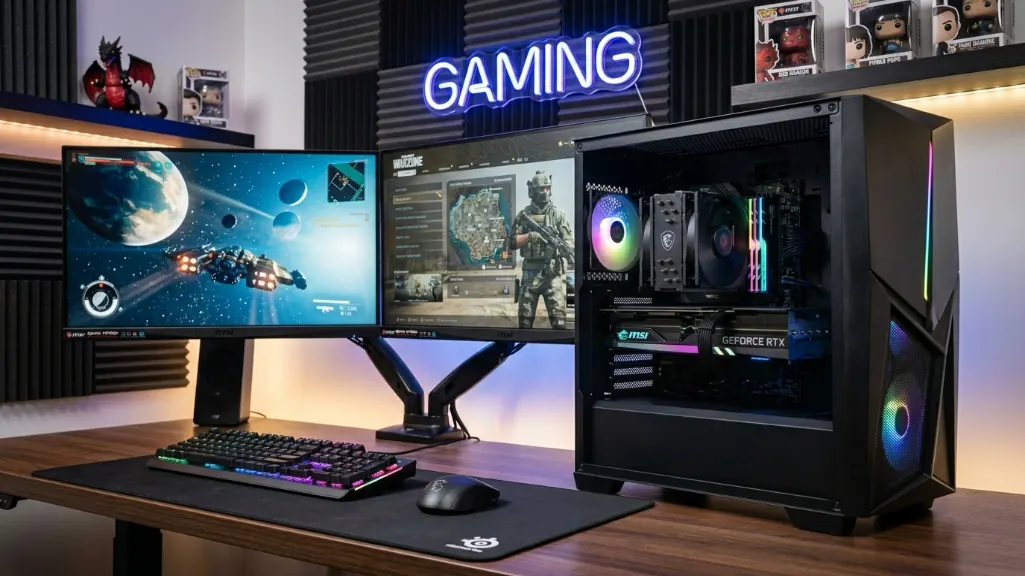
building your own gaming pc used to be the obvious choice for anyone chasing value, that math flipped in late 2025 when the memory shortage hit and prebuilt systems from manufacturers like msi started undercutting diy pricing in ways that haven’t made sense in years, here’s what the comparison actually looks like in march 2026 when you’re shopping for rtx 5070 tier gaming performance. This msi prebuilt vs custom build comparison breaks down exactly what changed and what it costs today.
The memory shortage flipped the pricing game
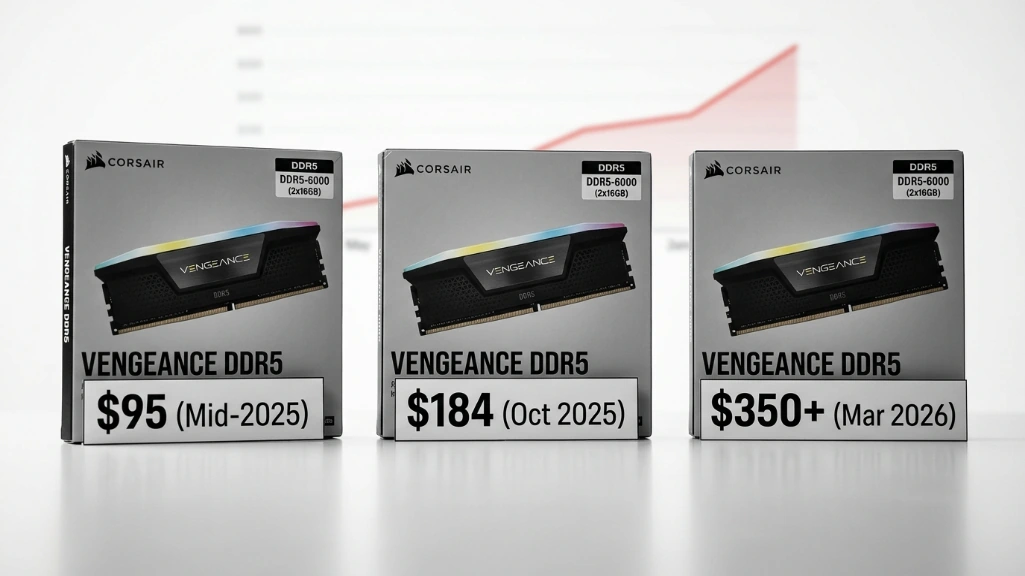
the biggest shift isn’t about performance or features, it’s about ddr5 ram pricing going completely sideways, between september 2025 and early 2026, ddr5 memory kits saw price increases that ranged from about eighty percent on the low end to some kits more than tripling in price. a thirty two gigabyte ddr5-6000 kit that sold for around ninety five dollars in mid 2025 hit over three hundred dollars by early 2026 in many cases, though exact pricing bounces around depending on brand and which retailer you check.
here’s what memory pricing looked like across different configurations based on market tracking:
| memory kit | mid-2025 pricing | march 2026 pricing | what happened |
|---|---|---|---|
| 16gb ddr5-6000 | $50-70 | $150-180 | more than doubled |
| 32gb ddr5-6000 | $95-200 | $325-400 | roughly tripled |
| 32gb ddr5-6400 cl30 | $120-150 | $400+ | tripled or worse |
here’s what happened. ai datacenter demand for high bandwidth memory pushed manufacturers to prioritize hbm and server grade production over consumer ddr5, samsung, sk hynix, and micron all cut back on consumer memory to free up fabrication capacity for enterprise products that make them more money. that created a supply crunch while demand kept climbing.
msi and other oem manufacturers lock in memory contracts months ahead at negotiated pricing, when you’re sourcing components yourself for a custom build, you pay whatever retail pricing looks like right now, in a market this volatile, that gap hits hard.
Msi prebuilt pricing right now
msi’s codex z2 gaming desktop sits around fifteen hundred seventy nine dollars with a ryzen 7 8700f processor, geforce rtx 5070 graphics, thirty two gigabytes of ddr5, and a two terabyte nvme ssd, pricing shifts a bit between retailers and exact configurations, but that’s where this model lands in march 2026.
here’s what sourcing similar parts yourself looks like at current retail:
| component | current retail pricing |
|---|---|
| ryzen 7 8700f | $180-220 |
| geforce rtx 5070 | $650-750 |
| 32gb ddr5-6000 | $325-400 |
| 2tb nvme gen 4 | $150-200 |
| b650 motherboard | $130-180 |
| 650w psu 80+ bronze | $70-120 |
| mid-tower case | $60-110 |
| tower cpu cooler | $35-65 |
| windows 11 home | $100-140 |
| wifi adapter | $25-45 |
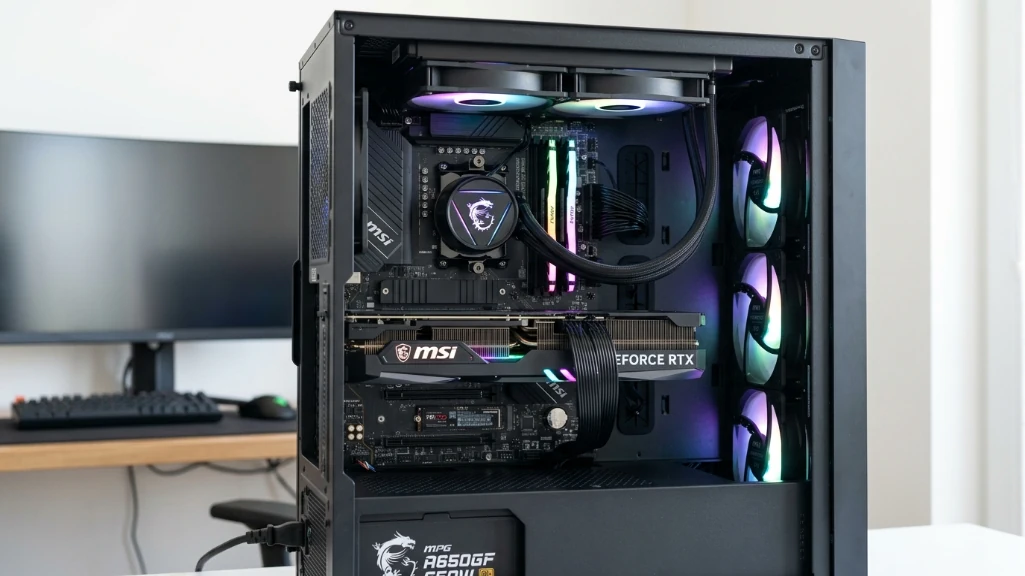
add those up and you’re looking at somewhere between nineteen hundred and twenty three hundred dollars before you spend three to six hours assembling everything, another couple hours installing windows and drivers, and however long it takes to troubleshoot whatever doesn’t work right the first time.
the msi aegis rs2 steps up with an intel core ultra 7 265k processor, rtx 5070 graphics, thirty-two gigs of ddr5, two terabytes of storage, and better cooling for around eighteen hundred ninety nine dollars, this model brings stronger thermal management than the codex z2.
Gaming performance with the rtx 5070
here’s the thing about comparing prebuilt versus custom when you’re running the same gpu, the rtx 5070 delivers basically the same frame rates whether it’s sitting in an msi chassis or a build you put together yourself, assuming both systems have decent cooling and power delivery.
benchmarks for the geforce rtx 5070 at fourteen forty p show cyberpunk 2077 running in the seventy to eighty five fps range on ultra settings without ray tracing, flip on dlss quality mode and that jumps to around one hundred to one hundred fifteen fps, these numbers shift a bit with driver updates and game patches, but that’s the ballpark.
testing across multiple titles puts the rtx 5070 about nine to ten percent faster than the rtx 4070 super in most rasterization workloads, that gap moves around depending on which game you’re testing and whether dlss 4 features are supported, but it gives you the baseline generational improvement.
here’s how rtx 5070 performance scales across different resolutions:
| resolution | aaa titles range | esports titles range | ray tracing reality |
|---|---|---|---|
| 1080p ultra | 110-180 fps | 180-300+ fps | works great with dlss |
| 1440p ultra | 85-130 fps | 130-200 fps | sweet spot resolution |
| 4k ultra | 40-70 fps | 75-130 fps | needs dlss most games |
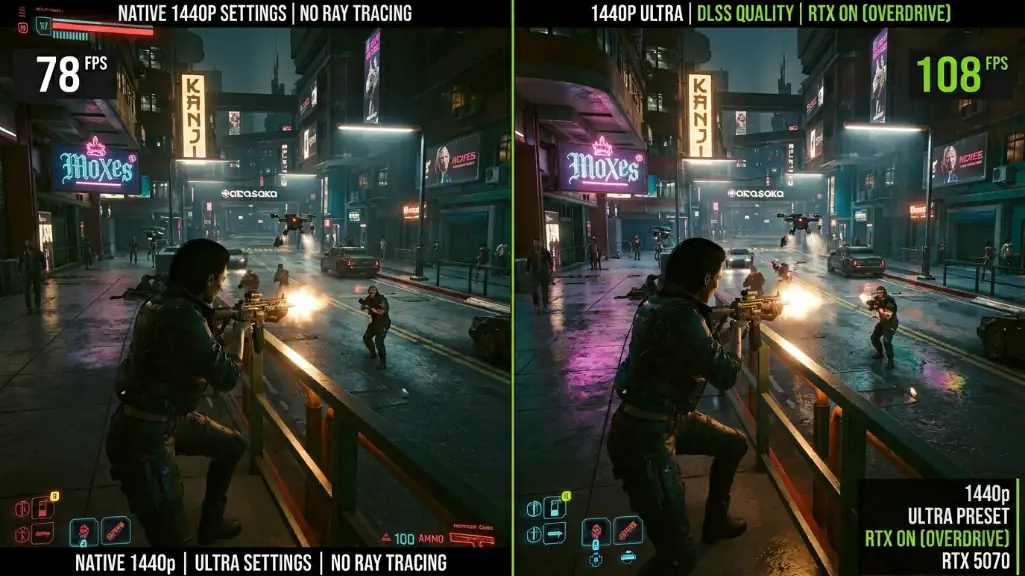
the target resolution for rtx 5070 systems is fourteen forty p at high refresh rates, at four k you’ll want dlss enabled for demanding titles to keep frame rates smooth. at ten eighty p the card has performance to spare unless you’re chasing really high refresh competitive gaming.
Where msi cuts corners and where they don’t
component quality is where things get interesting, msi uses actual retail rtx 5070 cards in their gaming desktops, which means you’re getting standard nvidia reference specs. memory runs at advertised speeds, though the specific brand and timings might vary batch to batch.
power supplies come from various oem partners, you might get units from channel well, fsp, or other suppliers that hit the stated specs, the eighty plus bronze certification tells you efficiency level but doesn’t say much about component quality compared to premium units you’d pick for a high end custom build. the psus work fine for what’s included but might not leave as much upgrade headroom or efficiency as top tier options.
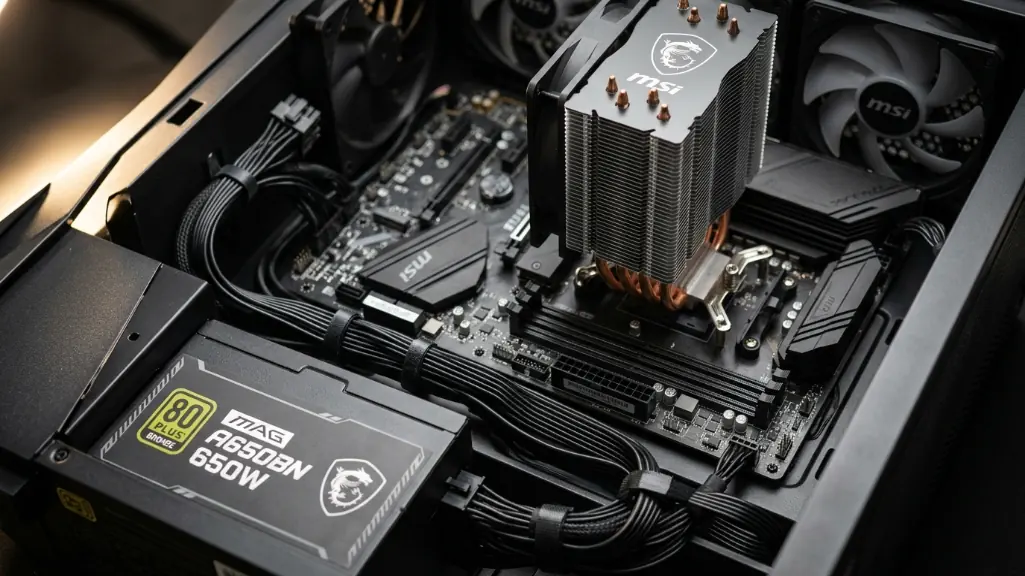
cooling varies by model, the codex z2 uses air cooling with msi’s compartmentalized airflow design, it handles the included components but won’t match the thermal performance of premium tower coolers or aio liquid cooling you’d choose for a serious custom build. the aegis rs2 includes liquid cooling which performs better.
motherboards in msi prebuilts often use layouts optimized for the specific chassis, this can make it harder if you want to move components to a different case later or upgrade to a completely different platform, standard atx custom builds give you more flexibility for future changes.
Warranty differences that actually matter
msi prebuilt systems come with a warranty covering the complete system, usually one to two years depending on where you are and which model you buy, that means one point of contact for support. something breaks and you work with msi’s support team to figure it out, if hardware needs replacing, you either ship the system back or get replacement parts depending on what failed and warranty terms.
custom builds mean dealing with individual component warranties that vary all over the place. processors and graphics cards from major brands usually carry three year warranties, quality power supplies might run five to ten years, premium ram kits sometimes offer lifetime coverage, but you’re the one diagnosing which part failed and managing separate rma processes with each manufacturer.
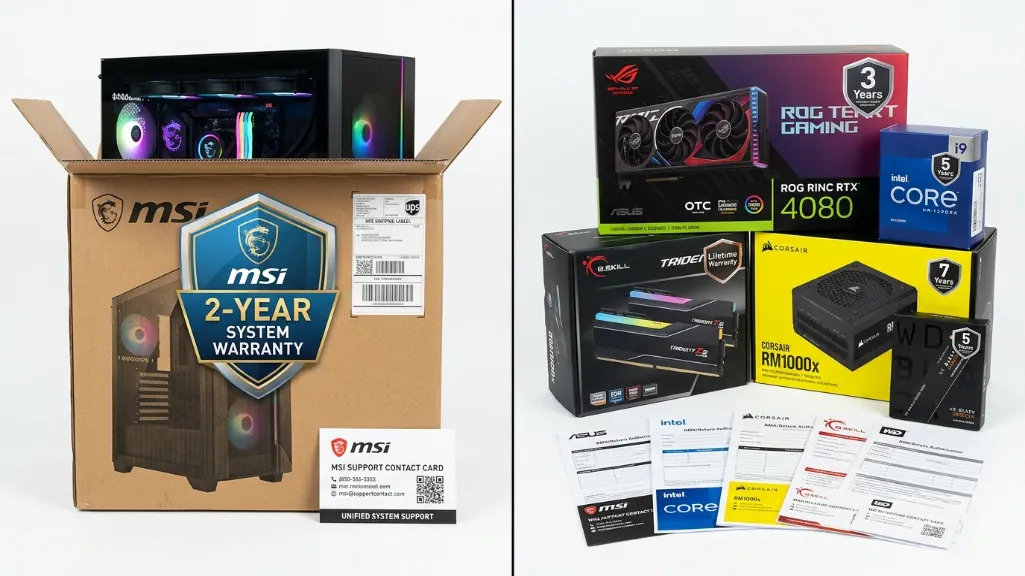
the real difference shows up when troubleshooting, with a prebuilt warranty, you describe symptoms to support and they handle the process, with a custom build, you isolate the failed component yourself before starting an rma, if you’re comfortable with hardware troubleshooting, component warranties give you longer coverage. if you want simple support, system warranties reduce what you have to deal with.
Time costs nobody talks about
buying a prebuilt means picking a config, ordering, and waiting for delivery, shipping usually takes one to two weeks from order to your door depending on retailer and stock. setup is connecting cables and installing software, which takes most people under an hour.
building custom means way more time investment. component research takes several hours if you’re being thorough about compatibility and performance, ordering from multiple retailers stretches delivery unless you find everything at one shop, assembly for first time builders runs three to six hours, os installation and drivers add a few more hours, troubleshooting whatever doesn’t work adds unpredictable time on top.
if you value that time at anything, it’s an opportunity cost even though you’re not directly spending money, how much that matters depends on your situation and whether you see building as fun, educational, or just work.
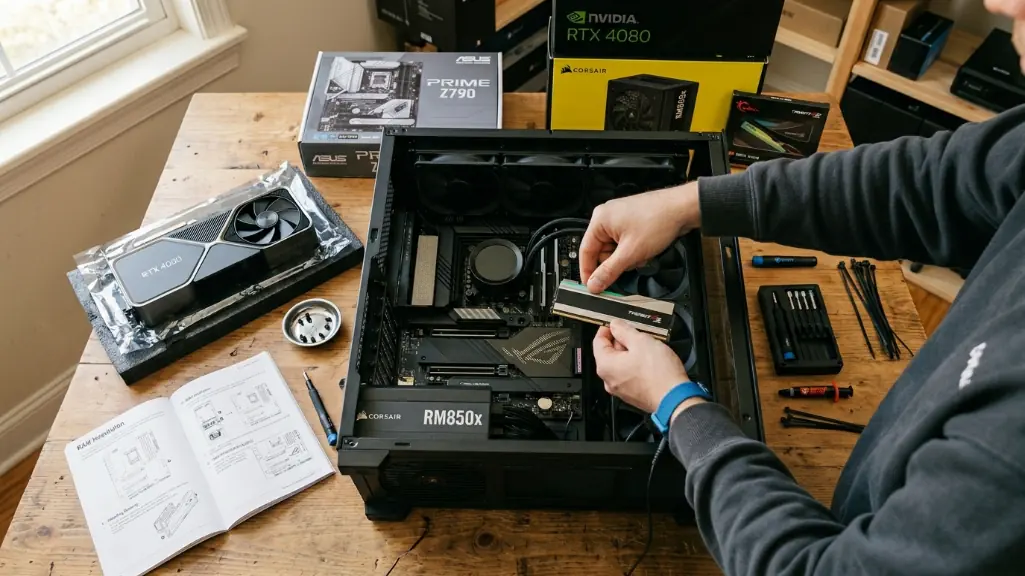
some people split the difference with boutique builders that let you pick components but handle assembly professionally, these services usually charge one hundred to two hundred dollars for build labor and testing. you get component choice without doing assembly yourself.
Msi’s ai features and what they mean
msi’s meg vision x flagship includes their ai hmi feature, which is a touchscreen control panel built into the case, it works as a system monitor and provides voice control, the feature adds real functionality for people who want an integrated system interface, it also adds serious money to flagship models compared to mid tier options.
silent storm cooling in various msi models uses automated fan curves based on system sensors, this can run quieter under light loads while ramping appropriately under stress, you can get similar results through manual fan curves in bios or third party software on custom builds, but the automated approach is more convenient.
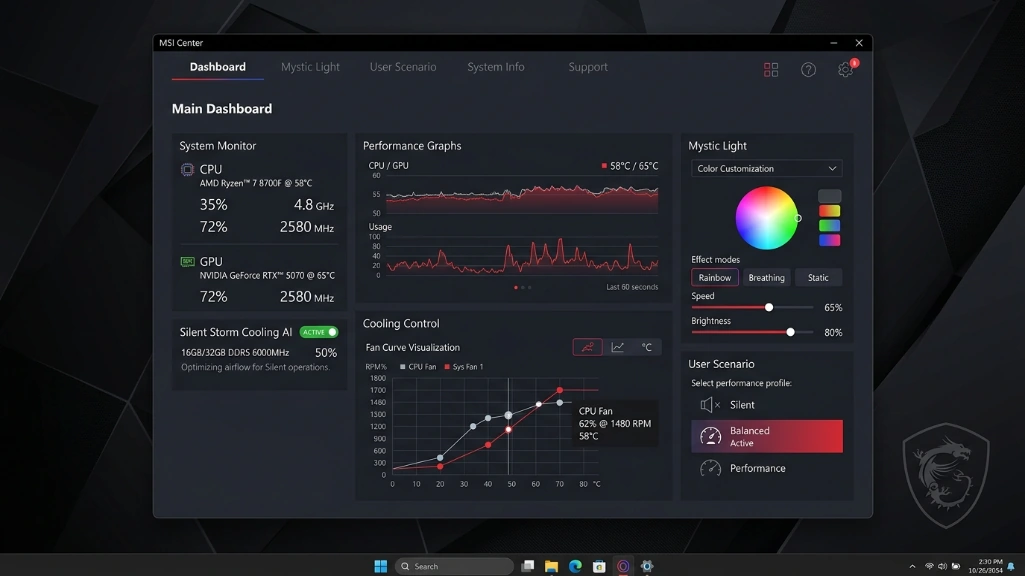
msi center software handles performance profiles, rgb lighting, and system monitoring, it does what it’s supposed to do, prebuilts do come with preinstalled software including trial versions of various apps, you can remove what you don’t want, but it takes more initial setup than a clean windows install on a custom build.
When custom building wins
building yourself makes more sense in specific situations, if your budget pushes past two thousand dollars and you’re targeting higher end components, you might find better value picking parts yourself since manufacturer markups scale with system price, at rtx 5080 or 5090 tier, the price gap often widens.
custom builds offer better flexibility for future upgrades, standard atx components swap freely between systems, msi’s chassis and motherboard designs sometimes use layouts that make case swaps or platform changes harder, if you upgrade components regularly, that flexibility matters over years of ownership.
if you actually enjoy the building process or want to learn how pc hardware works, diy brings value beyond just the finished system, plenty of enthusiasts find assembly satisfying regardless of cost math, if building sounds tedious, that’s equally valid reasoning to buy prebuilt.
component selection control is another custom advantage. you choose exactly which power supply model, which motherboard features, which case airflow design, prebuilts optimize for cost which sometimes means adequate components instead of premium ones, for people with specific needs, that control matters.
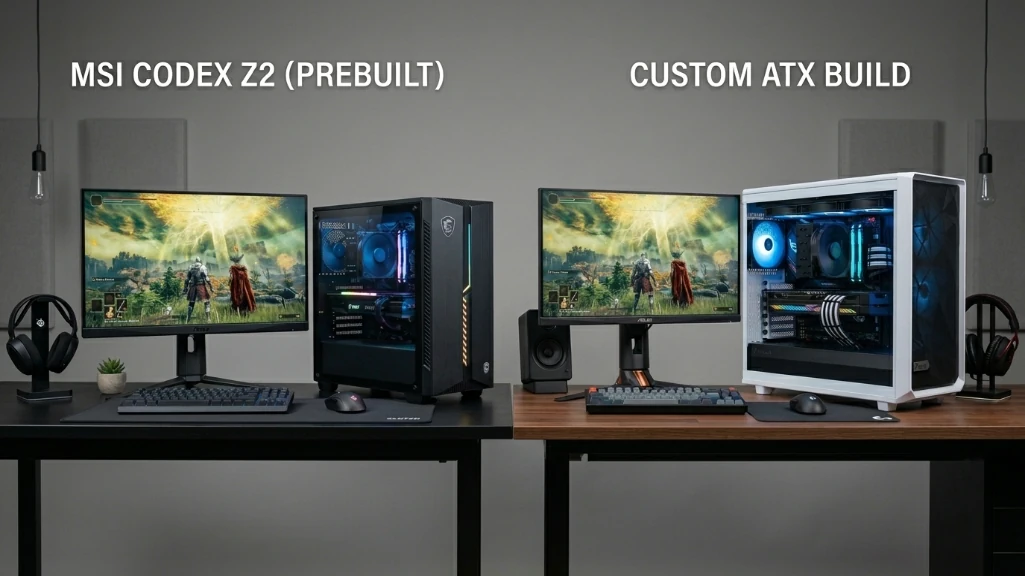
MSI prebuilt vs custom build: what wins right now
at the rtx 5070 performance tier with budgets in the fifteen hundred to two thousand dollar range, msi’s prebuilt options offer solid value compared to custom building, especially while memory pricing stays elevated, the codex z2 around fifteen seventy nine delivers similar gaming performance to a custom build that costs more when you’re buying components at current retail.
the aegis rs2 near eighteen ninety nine makes sense if you want the intel platform and better thermals, as you approach two thousand dollars, custom building becomes more cost-competitive since the value gap shrinks at higher price points.
prebuilts generally win for people who value their time, want simplified warranty support, or don’t feel confident assembling and troubleshooting hardware, custom building appeals more to enthusiasts who enjoy the process, need specific component choices, or want maximum upgrade flexibility.
the memory pricing situation creates conditions where prebuilt value is stronger than it’s been in years, industry forecasts suggest memory pricing might stay elevated through mid 2026, though nobody knows exactly when it’ll normalize, if and when memory costs drop back to normal levels, the traditional math favoring custom builds will probably return.
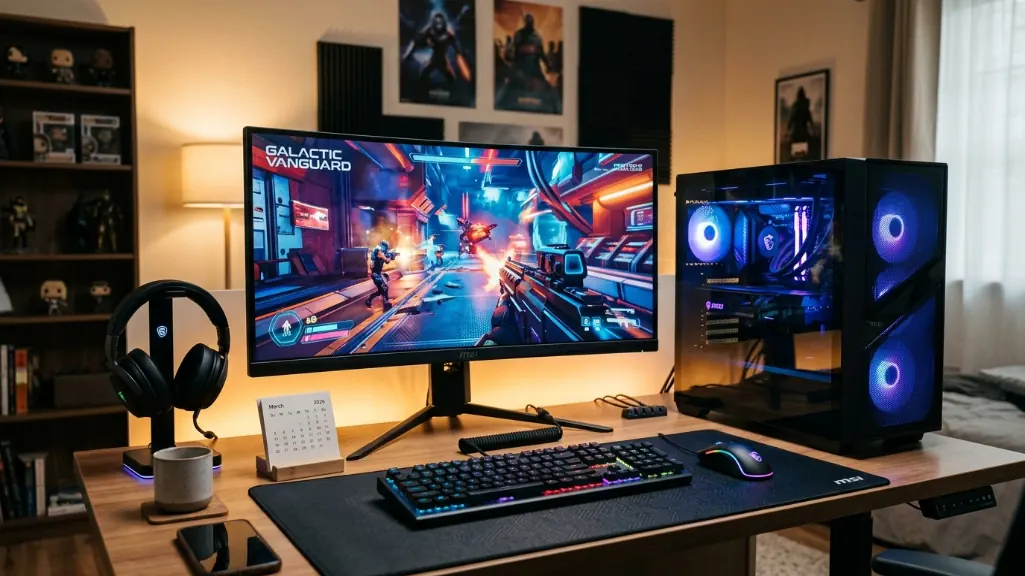
for march 2026 specifically, the comparison favors prebuilt for most people at the rtx 5070 tier if you’re realistic about time costs and current component pricing, gaming performance is basically the same either way with similar specs, the decision comes down to whether you value component choice and upgrade flexibility over immediate cost savings and simpler buying.