
Gaming has evolved beyond home entertainment. While desktop PCs and consoles remain popular, powerful gaming laptops now enable players to enjoy high-performance gaming anywhere. These specialized computers feature dedicated graphics cards that deliver superior visual quality compared to standard business laptops. However, graphics alone don’t define a gaming laptop—the entire configuration must work in harmony: a large, high-refresh-rate display, fast memory, and generous storage capacity. With countless models available online, finding the right match can be challenging. This guide helps you navigate the options and select the gaming laptop that fits your needs.
Top Gaming Laptops 2025
Most Balanced: HP Omen 16-ap0034nf offers an excellent compromise with a 2.5K 240Hz screen, RTX 5070, and optimized cooling.
Best Value: Lenovo LOQ 15IRX10 delivers solid power and versatility at a controlled budget.
Customizable: Lenovo Legion allows you to personalize your gaming PC with a configuration tailored to your specific requirements.
Most Powerful: MSI Raider A18 HX A9WJG-009FR is a performance beast, ideal for extreme gaming and multimedia creation.
Best Display: HP Omen Max 16 ak0000nf combines performance with a bright, smooth WQXGA 240Hz screen, perfect for demanding gamers.
Key Selection Criteria
Rather than diving headfirst into tech websites searching for a suitable machine, focus on the most important components. When discussing gaming PCs, certain criteria carry more weight than others. Depending on your usage and priorities, some elements deserve more consideration.
Graphics Card
The graphics card is the heart of gaming performance. It determines how well your games run. Nvidia leads the market with its GeForce cards adapted for mobile versions. Various manufacturers then customize these according to their preferences: PNY, Asus, MSI, Zotac, Gigabyte, and Sapphire among others. Video memory quantity (VRAM) is equally important: 6 to 8 GB is minimum for Full HD gaming, while 12 GB or more is preferable for 1440p or 4K gaming.
Processor
The processor manages overall speed and task execution, including gameplay calculations and multitasking. Two names dominate this market: Intel and AMD. High-end processors like the Intel Core i9 or Ryzen 9 can make a real difference by creating a smooth environment for demanding games or streaming and editing software.
RAM Memory
RAM ensures fluidity when executing tasks or games. For gaming PCs, 16 GB is standard, 32 GB provides comfortable headroom, and 64 GB gives you plenty of future-proofing.
Display
The screen guarantees your overall visual experience. A minimum size of 15 inches is recommended. Smaller screens may cause you to miss details and reduce immersion. However, refresh rate is most critical—this is the number of images displayed per second. For gaming, a minimum of 144 Hz (144 images per second) is advised, especially for Full HD gaming (less beautiful than 4K but more fluid). Few portable gaming screens use 4K, and they’re rare and expensive. However, OLED panels are available, offering brighter displays than standard LED, though this technology increases cost.
Storage
To maximize installed games without frequent cleanup, you need generous storage—at least 1 TB. Prioritize SSDs over traditional HDDs, though HDDs rarely equip modern gaming PCs anymore. SSDs are thinner, lighter, and faster, reducing loading times.
Upgradability
This criterion matters if you want to upgrade your PC incrementally without replacing the entire machine. Unfortunately, in laptops, only RAM and storage can typically be upgraded. In some configurations, RAM is soldered to the motherboard, making replacement impossible.
Detailed Comparison of Top Gaming PCs
HP Omen 16-ap0034nf – Most Balanced Rating: 9.2/10 | Price: $1,649

The HP Omen 16 gaming laptop isn’t the most powerful but performs well with its offerings. A 16-inch screen displaying 2.5K resolution, a 240Hz refresh rate, an RTX 5070 8GB graphics card paired with a Ryzen AI 7 processor, 16 GB RAM, and 512 GB SSD storage. It lacks a pre-installed operating system, requiring manual installation of Windows, Linux, or another OS. While its technical specifications fall slightly below previous models, it handles major games in good conditions.
Customer feedback praises the HP Omen 16’s overall performance, including battery life. Since it generates less power, it also consumes less. Don’t expect over 4 hours of gaming autonomy, but there’s improvement. The screen is fluid, finishes are polished, and performance delivers. Whether for gaming, coding, or multimedia, its versatility is its greatest asset.
Customers appreciate: versatility, design, power, and autonomy. Customers regret: no pre-installed operating system and only 512 GB storage.
Lenovo LOQ 15IRX10 – Best Value Rating: 8/10 | Price: approximately $1,759
The Lenovo LOQ 15IRX10 offers excellent value by combining modern gaming-capable components with reasonable pricing. Its latest-generation Intel Core i7 processor provides sufficient power for all current games and multitasking. The Nvidia RTX 5060 graphics card guarantees smooth experience in Full HD and even 1440p, rare at this price point. With 24 GB RAM and a fast 1 TB SSD, the laptop shows great responsiveness and good storage capacity. Its Full HD 144Hz screen is ideal for competitive gaming, with smooth, pleasant visuals. Solid chassis and good thermal management complete the package, justifying its positioning as a smart choice for power and quality on a tighter budget.
Professional press recognizes this PC as truly versatile at an accessible price. Components are less premium, but results are there. You may need to replace it sooner than a more expensive PC, but it can still last several years until components make another technological leap and you can no longer launch new games. If you don’t only play the latest games, it represents an excellent compromise. While it lacks OLED, premium materials, and advanced audio systems, that’s no reason to skip a good machine.
Customers appreciate: value for money, smooth screen suitable for competitive gaming, good thermal management, and sober design. Customers regret: sound quality, absence of premium materials and functions, and potentially slower SSD than others.
Lenovo Legion Pro – Customizable Customer Rating: 9.5/10 | Price: between $2,975 and $3,617
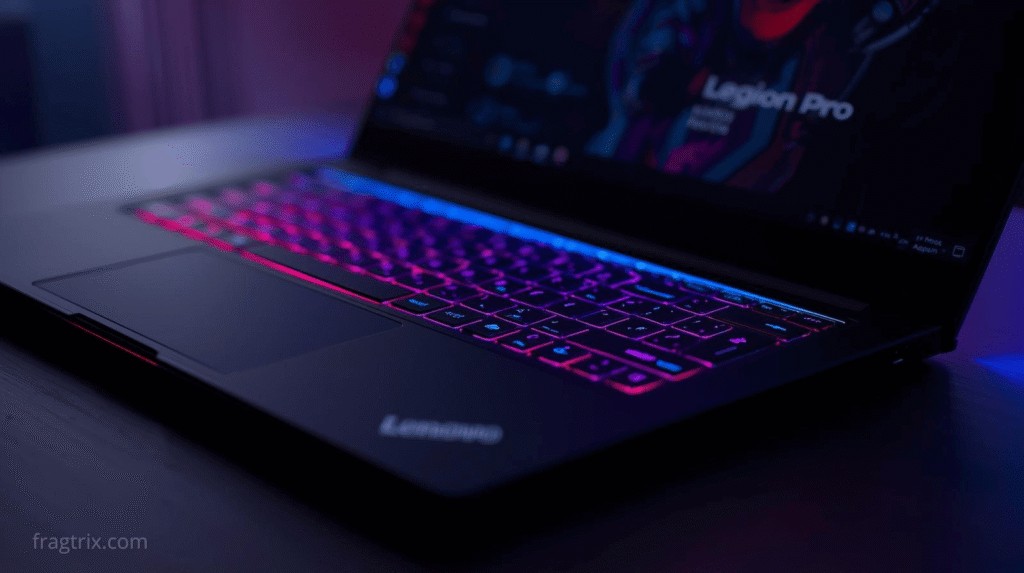
The manufacturer’s website offers custom configuration. With the Legion Pro 7i Gen 10, you start with a solid base. You cannot choose a different processor than the offered Intel Core Ultra 9 275HX designed for gaming. However, you can choose between 32 and 64 GB RAM, one or two terabyte storage with varying speeds, graphics card, and even battery capacity. Some knowledge is needed to choose the right elements, but the site guides you, and a good configuration can run recent games smoothly. For example, the version with RTX 5070 Ti 12 GB, M.2 2242 1 TB SSD, and 64 GB RAM costs $2,975. Its undeniable asset is its 16-inch OLED screen displaying deep contrasts and infinite blacks for more image nuance.
Users are generally satisfied with the Intel Core Ultra 9 + RTX 5070 Ti combo, enabling high-definition, smooth gaming. The OLED screen is highly appreciated for both gaming and multimedia. It’s fast and quiet, though somewhat heavy—a problem inherent to most gaming laptops. Nothing prohibitive for use, but perhaps minimum knowledge or external help is needed to navigate the site configurator.
Customers appreciate: 16-inch OLED WQXGA screen, quiet operation, effective cooling, robust chassis, and good overall power. Customers regret: noisy cooling, limited autonomy like many others, and pre-installed software requiring updates.
MSI Raider A18 HX A9WJG-009FR – Most Powerful Professional Rating: 8/10 | Price: approximately $5,499
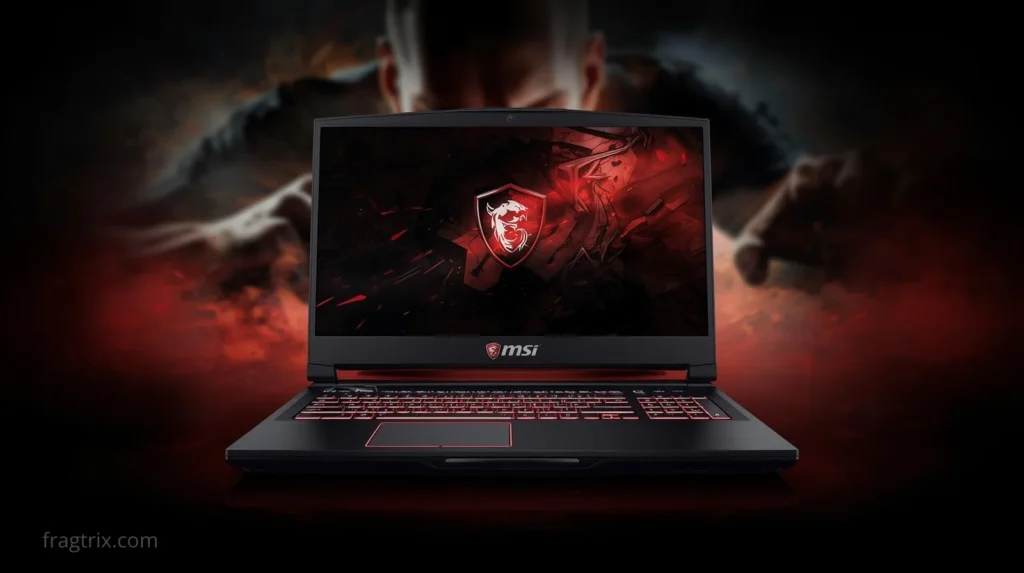
This MSI Raider A18 version is truly the highest-end model. For gaming, content creation, or AI use, it performs excellently. Its 18-inch mini-LED UHD+ screen offers beautiful gaming space with great color accuracy and excellent contrast. The AMD Ryzen 9 with GeForce RTX 5090 and its 24 GB dedicated RAM, not counting the device’s 64 GB memory, means no modern game resists it.
As it’s a very high-end and recent PC, finding user reviews is difficult. However, specialized press that tested it praises overall performance, SSD speed, and 4K 120Hz display using Mini LED. Connectivity is very generous for connecting numerous peripherals to its various ports. Such power inevitably impacts autonomy, which is lower. It’s also relatively bulky, so not the most portable despite its designation. And its price, of course, may be a purchase barrier. But it’s assurance of having a durable machine.
Customers appreciate: overall MSI Raider A18 power, display quality, game fluidity, and good thermal management even at full power. Customers regret: price, laptop weight and bulk, and reduced autonomy during intensive gaming.
HP Omen Max 16 – Best Display Professional Rating: 8/10 | Price: approximately $3,849
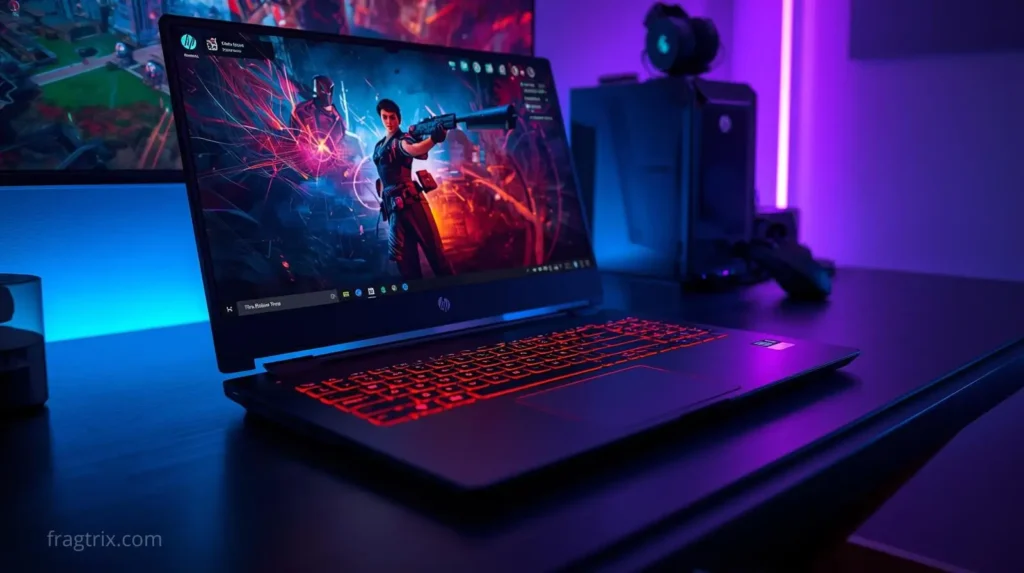
The HP Omen Max 16 stands out with a smaller screen than presented above but better quality. The IPS panel is 16 inches but with refresh rate reaching 240 images/second. More fluidity therefore, even if the graphics card is one notch below: an RTX 5080 with 16 GB dedicated memory versus RTX 5090. With 32 GB RAM, a 1 TB M.2 SSD, and an AMD Ryzen AI 9 processor, you have plenty to run major current games in good conditions.
Professional press praises the HP Omen Max 16 for its compromise between performance and display quality. For playing 1440p games at 240Hz, it positions as one of the references, moreover with a slightly lower price than its competitor, though still an investment. The panel isn’t OLED but the manufacturer succeeds with its quality IPS and fluid display. The cooling system is particularly effective, as such a machine can quickly heat during long gaming sessions. However, fans can be somewhat noisy. If you’re ready for a good compromise between portability and finish, it’s a good choice.
Customers appreciate: WQXGA 16-inch screen refreshing at 240Hz, remarkable overall performance, effective cooling, and comfortable keyboard with RGB lighting. Customers regret: absence of OLED for screen, weight of 2.66 kg and certain bulk, and always the autonomy issue inherent to gaming PCs.
Comparison Table
| Model | Price | Processor | Graphics Card | RAM | Storage | Display | Rating |
|---|---|---|---|---|---|---|---|
| HP Omen 16 | $1,649 | Ryzen AI 7 | RTX 5070 8GB | 16GB | 512GB SSD | 16″ 2.5K 240Hz | 9.2/10 |
| Lenovo LOQ 15IRX10 | $1,759 | Intel Core i7 | RTX 5060 | 24GB | 1TB SSD | 15″ FHD 144Hz | 8/10 |
| Lenovo Legion Pro | $2,975-$3,617 | Core Ultra 9 275HX | RTX 5070 Ti 12GB | 32-64GB | 1-2TB SSD | 16″ OLED | 9.5/10 |
| MSI Raider A18 HX | $5,499 | AMD Ryzen 9 | RTX 5090 24GB | 64GB | High-speed SSD | 18″ Mini-LED UHD+ | 8/10 |
| HP Omen Max 16 | $3,849 | AMD Ryzen AI 9 | RTX 5080 16GB | 32GB | 1TB M.2 SSD | 16″ WQXGA 240Hz | 8/10 |
This selection illustrates the diversity and richness of the gaming laptop market. The MSI Raider A18 HX stands as the reference for raw power, capable of handling the most demanding titles and heaviest creative uses. The HP Omen Max 16 seduces primarily through its screen quality and display fluidity, a major asset for competitive gamers. For the Lenovo Legion Pro, customization remains its flagship argument, allowing everyone to create the machine that precisely matches their expectations. The Lenovo LOQ 15IRX10 distinguishes itself through a hard-to-beat value proposition, combining solidity, responsiveness, and sober design. Finally, the HP Omen 16 offers an ideal balance between performance, autonomy, and versatility, suitable for both gaming and more general use.
Each model answers a different gamer profile. Choosing the right gaming PC depends primarily on intended use, desired experience type, and of course, the budget you’re willing to dedicate. Whichever option chosen, each of these computers offers solid performance, careful design, and the promise of long gaming hours without compromise.
What is a gaming laptop and how does it differ from a standard laptop? A gaming laptop is designed for video games, integrating more powerful components (dedicated graphics card, performance processor, high-frequency screen) distinguishing it from a standard laptop.
What budget should I plan for a gaming laptop to play comfortably? Budget depends on desired gaming level. For beginners, a PC around $880 to $1,210 suffices for medium-quality gaming. For smoother experience and advanced graphics, expect between $1,320 and $2,200. Beyond that, very high-end models for demanding games reach $3,300 or more.
Why is the graphics card important on a gaming laptop? The graphics card is the main engine of gaming performance. It manages image display and 3D rendering. The more powerful it is, the better the fluidity and visual quality of games. On laptops, graphics card choice often conditions the PC’s lifespan in terms of capacity to run recent games.
How much RAM memory is necessary to play smoothly on a laptop? For good comfort, 16 GB RAM is recommended. This allows running most modern games without slowdown, while leaving enough memory for the system and background applications.
What’s the advantage of having an SSD on a gaming laptop? An SSD enables very fast loading times, reduces game installation times, and generally accelerates the system. Unlike traditional hard drives, it ensures better responsiveness, particularly appreciated in gaming and during travel.
What criteria are important for choosing a gaming laptop screen? Prioritize a screen with refresh rate of at least 120Hz for better visual fluidity, especially on competitive games. Full HD resolution (1920 x 1080 pixels) remains a good compromise between quality and performance. Size depends on your preferences, generally 15 to 17 inches.
Can a gaming laptop also serve for other uses like work or watching videos? Yes, a gaming laptop is versatile. It’s perfectly capable of handling office work, multimedia, video streaming, or even light editing thanks to its powerful components.
Can you upgrade a gaming laptop after purchase? Unlike desktop PCs, laptops are less upgradable, but you can often increase RAM or replace the hard drive with a faster, larger-capacity model. However, check compatibility and access ease before purchase.
What accessories are essential to optimize gaming experience on laptop? A headset with microphone enables clear in-game communication, a gaming mouse offers precision and speed, and an appropriate mousepad improves control. A sturdy bag is also recommended to protect your laptop during travel.
What battery autonomy can I expect from a gaming laptop? Autonomy varies greatly by model, but in gaming, it’s generally limited to 1 to 3 hours due to consumed power. In standard use (office work, internet), some machines last up to 6 to 8 hours.
Pingback: ASUS Plans a Comeback for Large Gaming Displays - Fragtrix
Pingback: Lenovo Legion Prebuilt vs DIY: Performance - Fragtrix