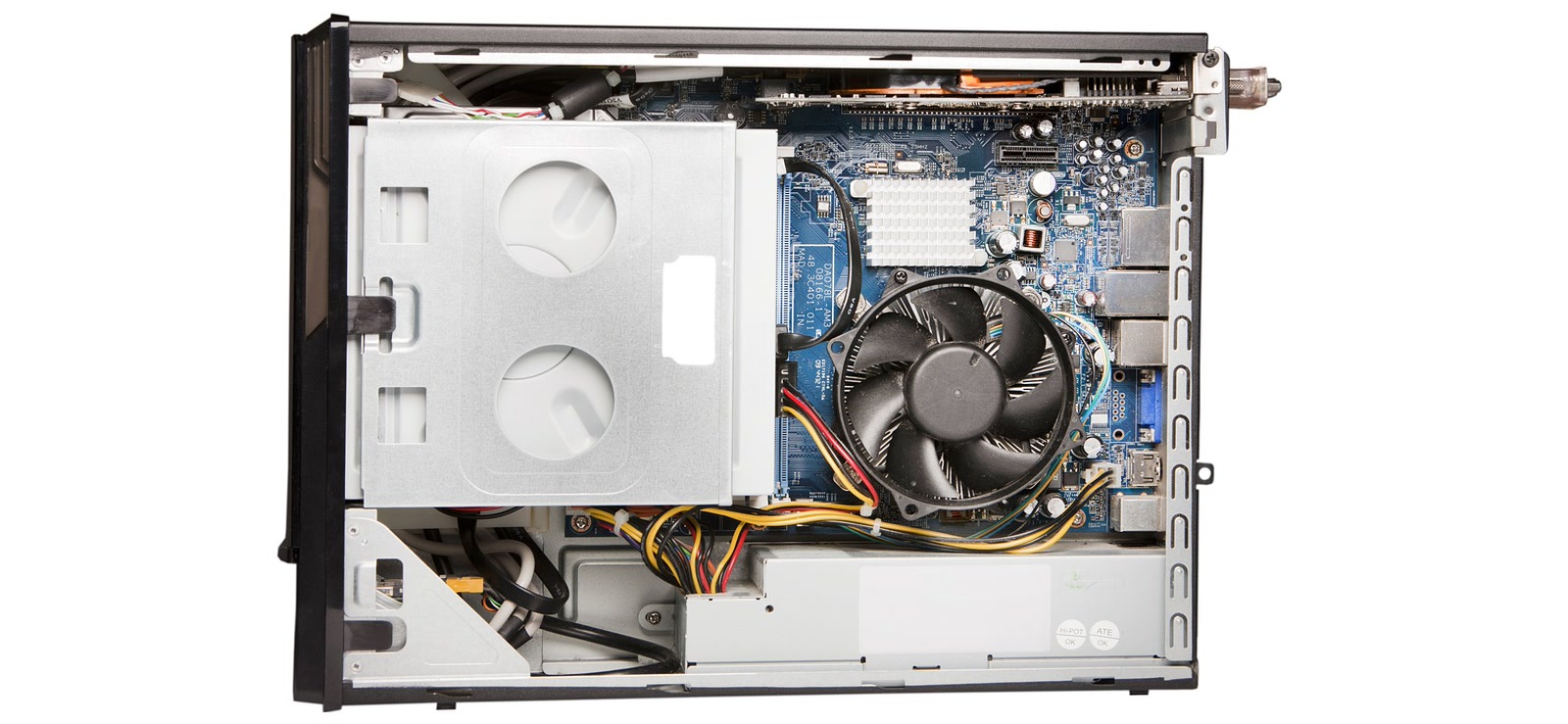
it depends on the machine. prebuilts don’t all follow the same rules: some are built from standard parts you could swap in an afternoon, and others use a motherboard or power supply that only suits that one system.
rather than ranking brands, i’d rather give you a way to find out what’s inside yours before you buy a part that won’t fit. that’s what the rest of this is, starting with two real examples at opposite ends.
two prebuilts, two different answers
the aurora, where upgrades get stuck
the alienware aurora is the clearest example of the limits. tom’s hardware’s 2023 review of the aurora r16 called the motherboard proprietary and said it severely limits major upgrades. on the power supply, the body of the review says it appears to be one meant for servers, and calls that another area that isn’t easy to upgrade. the verdict lists a server-style power supply among the cons, and the conclusion counts it among the r16’s proprietary parts. none of the reviews cited here says whether an ordinary PSU could replace it. pc gamer’s review, from january 2024, also called the board proprietary and the 1,000 W power supply bespoke, and counted only two DDR5 slots on it.
techradar reviewed the 2025 refresh, the aurora ACT1250, on 27 october 2025. among its drawbacks it lists the proprietary motherboard and limited future upgradability, and it says the cramped interior makes moving to bigger GPUs harder. it also describes the refresh as carrying forward the r16’s familiar strengths and weaknesses. it doesn’t say what kind of PSU the ACT1250 uses. its spec table just lists 500 W on the base configuration and 1,000 W on the review and top ones.
the omen 35L, where they don’t
the HP omen 35L sits at the other end. tom’s hardware’s review of the omen 35L, published on 12 september 2024, says HP has been moving toward fewer proprietary parts over its last several generations of desktops. the unit it tested had a micro ATX motherboard (HP’s own “wolant” board, AMD B650) and a 1,000 W modular PSU. the reviewer says the board follows the micro ATX standard, that the PSU is just a PSU and not a server-grade unit, and that owners should be able to upgrade quite a bit while keeping the case. all of that applies to the unit tested. HP sells the omen 35L in several configurations, and the review lists Intel versions without describing their boards. it also notes that a similarly specced aurora r16 uses some proprietary parts, like a motherboard and PSU, that will make it harder to update down the line.
more recently, tom’s guide’s “best gaming PC of 2026” roundup picks the omen 35L as its upgradeable choice, citing a tool-less design that makes swapping parts easier than on almost any rival. its review unit wasn’t the same as tom’s hardware’s: a Ryzen 7 9800X3D, 32GB of DDR5 and an RTX 5070 Ti. it recommends the model, but it doesn’t tell you which components any given configuration uses.
side by side
| alienware aurora | HP omen 35L | |
|---|---|---|
| motherboard | proprietary | micro ATX in the unit tested |
| PSU | R16: appeared server-style. ACT1250: type not described | regular PSU, 1,000 W modular in the unit tested |
| verdict | limited upgrades | tom’s guide’s upgradeable pick |
| reviews | tom’s hardware 2023, pc gamer jan 2024, techradar oct 2025 | tom’s hardware sept 2024, tom’s guide roundup 2026 |
two things to keep in mind. tom’s hardware says HP changed its approach between generations, which is why a verdict on a whole brand ages badly. and most of this testing is old: the reviews run from 2023 to october 2025 and describe the models tested, not whatever’s on sale today.
a maker’s own board name also tells you less than its form factor. tom’s hardware lists the omen’s board as HP’s own “wolant” model, and it still follows the micro ATX standard.
five things to look up on your own machine
go through these before you buy anything. each one tells you whether a normal part will fit.
| look up | where | good sign | warning sign |
|---|---|---|---|
| motherboard | label on the board, maker’s page | standard form factor | undocumented layout |
| PSU | label on the unit, maker’s page | standard unit with the connectors your card needs | below what the card asks |
| CPU support | maker’s page for your board | list covers your chip | no list, or a newer BIOS needed |
| memory | board specs, count the slots | free DIMM slots | every slot filled |
| case | tape measure against card size | room for card and cable | tight before the cables |
the motherboard
start with the exact model. it’s printed on the board, and the maker’s support page for your system usually lists it.
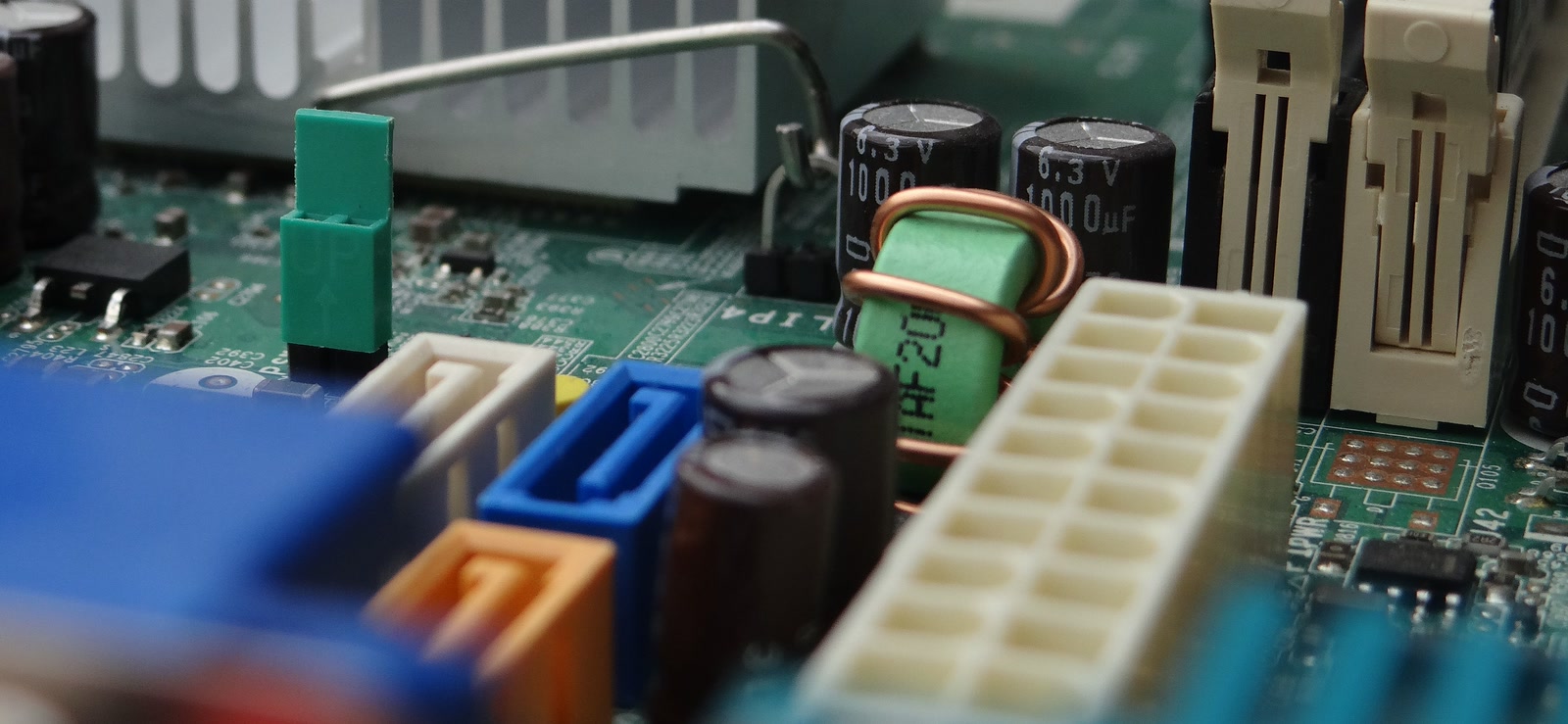
then the form factor. ATX, micro ATX and ITX are standards, so a board that follows one of them can in principle be replaced by another that fits the same case. a matching form factor alone doesn’t guarantee a replacement goes in without modification, though. confirm the case’s mounting points and space, the connectors the case and PSU provide, and that the BIOS supports the CPU you plan to use.
a board that follows no standard is the real constraint, because replacing it can mean replacing more than the board.
the PSU
the PSU is one of several things that limit which graphics card you can run, along with connector compatibility, the card’s dimensions, clearance in the case and cooling. nvidia’s page for the RTX 5090 Founders Edition shows how those limits add up at the top end.
it lists a total graphics power of 575 W and gives two power requirement figures, each with its own context. the spec table shows a required system power of 1,000 W, and its footnote says that figure is a minimum based on a PC with a Ryzen 9 9950X, and that power requirements can differ with the system configuration. the “prepare your system” steps show a minimum of 850 W and add that a higher power rating may be required depending on the system configuration. neither figure is a universal requirement, so look up what your own configuration needs and what the exact card model requires. the page also recommends a PCIe CEM 5.1 compliant PSU.
the connectors are described in two places as well, and i’ve kept the two descriptions apart rather than merging them. the spec table lists 4 PCIe 8-pin cables with the adapter in the box, or 1 PCIe Gen 5 cable of 600 W. the setup steps list 3 PCIe 8-pin cables to the included adapter and say the card supports 3 or 4 of them, or alternatively 1 PCIe Gen 5 cable of 450 W or more. the page also says specifications can vary by add-in-card manufacturer, so a partner card’s own documentation comes first.
| what nvidia lists | figure | where, and context |
|---|---|---|
| total graphics power | 575 W | spec table |
| required system power | 1,000 W | spec table; minimum for a Ryzen 9 9950X PC, can differ by configuration |
| minimum PSU | 850 W | setup steps; a higher rating may be needed |
| connectors | 4 × 8-pin (adapter in box) or 1 × 600 W PCIe Gen 5 cable | spec table |
| connectors | 3 × 8-pin to the adapter (card supports 3 or 4) or 1 × PCIe Gen 5 cable of 450 W or more | setup steps |
| case space | 304 × 137 × 61 mm, plus 36 mm for power cables (direction not specified) | setup steps |
nvidia labels the 1,000 W figure “required system power” and the 850 W figure a minimum under “check your power supply”. the page doesn’t say how the two relate, so the table keeps them separate.
most buyers aren’t shopping at that end, but the pattern holds for any card: the maker states a power requirement and a connector type, and your PSU has to meet both, in a case with room for the card and its cable.
a standard PSU is a part you can replace like any other. in the omen, which PSU you get depends on the configuration: tom’s hardware’s price list shows a 500 W unit on HP’s base model, 850 W on a mid-tier one, and the 1,000 W modular unit on the model it tested. the review also noted that HP planned to sell its 850 W and 1,000 W units individually from january 2025. i haven’t confirmed whether that happened. we covered what to look for in a PSU in the PSU guide.
which CPUs the board accepts
a matching socket doesn’t mean every chip for that socket will work. the board’s firmware has to recognise the processor, so look for the maker’s supported-processor list for your exact board if it publishes one, and for any BIOS update the chip needs first.
if there’s no list, don’t assume anything. look for owner reports on the same board before you buy a processor.
memory slots
count the DIMM slots and see how many are free. pc gamer’s january 2024 review of the aurora r16 counted only two DDR5 slots on its board.
with memory prices where they are, a board with only two slots makes a capacity decision harder to undo. we went through the prices in the reusing parts guide.
the case and cooling
measure the space before you order a card. for the RTX 5090 Founders Edition, nvidia asks for 304 × 137 × 61 mm plus 36 mm for power cables, and doesn’t say which direction those 36 mm are measured in. partner models can be larger.
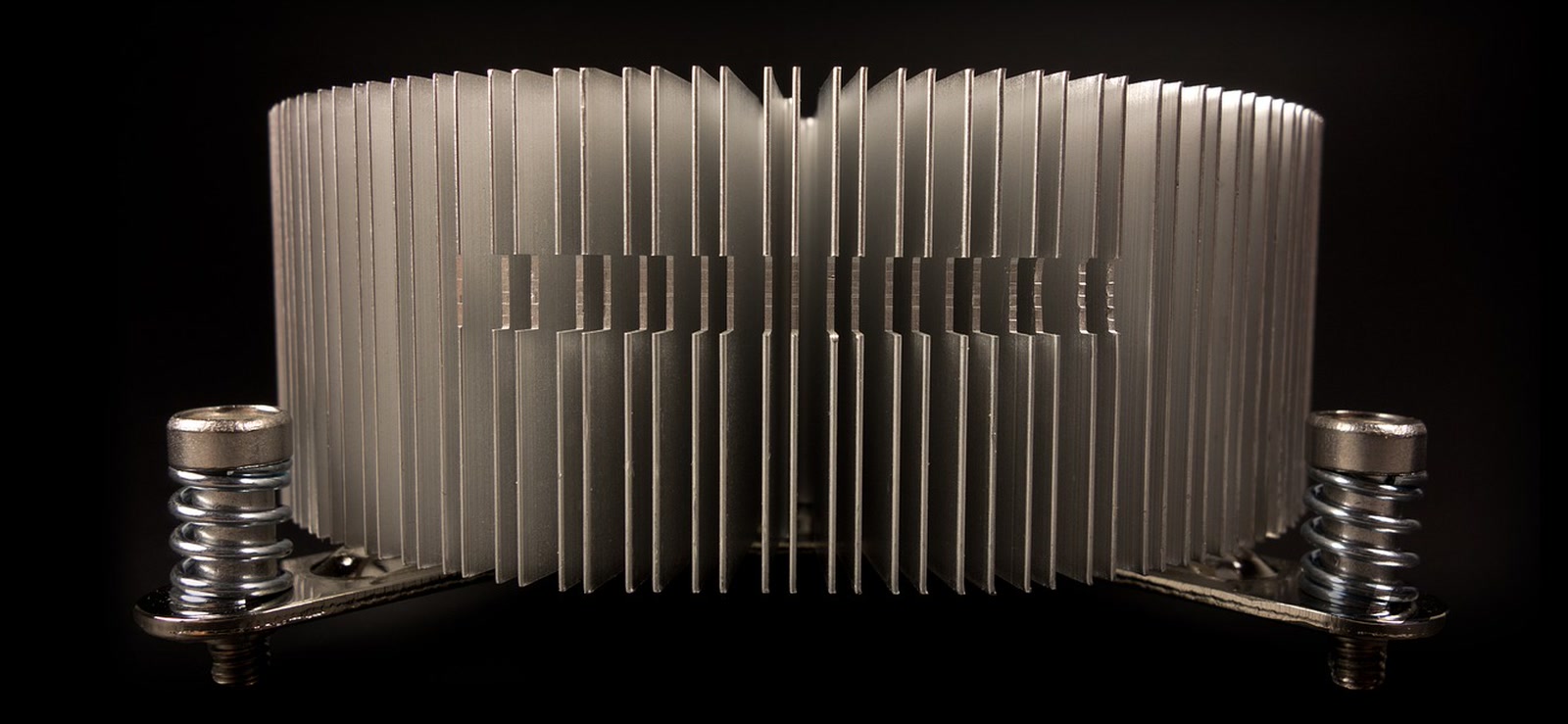
for cooling, look at how the CPU cooler mounts. AM4 and AM5 share a mounting system, and LGA1700 and LGA1851 share hole positions, so a cooler on a standard socket bracket is usually transferable. the details are in the same reusing parts guide.
what to do with the answer
if the parts are standard
then upgrading mostly comes down to fit and power: room for the card, the right connectors on the PSU, cooling for the extra heat, and a BIOS recent enough for any new CPU.
if the board or PSU is proprietary
a board swap can turn into a rebuild. depending on the machine, it may also involve the case’s mounting points, the connectors the case and PSU provide, and which CPUs the new board supports, so confirm each one before buying. a graphics card swap can still work if the PSU has the wattage and connectors the card asks for and the case has the room, but confirm that before you buy the card, not after.
if you haven’t bought yet
if you haven’t picked one yet, our guide to the best prebuilt gaming PCs under $1000 covers what to buy. if you’re weighing a prebuilt against building it yourself, our HP omen 25L vs DIY comparison sets one HP model against a DIY build, and our cost comparison looks at whether building is still cheaper. the foundation-first build guide covers the route where you build it yourself.
the verdict
yes for many prebuilts, no for some, and you can find out which before you spend anything. the board and the PSU are the biggest unknowns, so look those up first, then the supported-CPU list, the memory slots and the clearance.
and treat any brand-level claim, including the ones above, as describing specific models from specific years. the aurora r16 reviews cited here are from 2023 and january 2024, the omen 35L review is from september 2024, and the ACT1250 review is from october 2025.