the usual advice on reusing old PC parts goes: keep the case and the PSU, replace the rest. you’ll find it on every forum, and it’s been there for well over a decade.
in 2026 two bits of it stop working. memory is now worth moving across when it fits the new platform, and the PSU isn’t the automatic keep it used to be.
so here’s the sorting i’d use: does it physically fit, will the maker stand behind it, and what does a new one cost right now.
three questions, in this order
most guides split parts into keep and replace. asking three questions in order works better, because the first one that fails usually settles it.
does it physically fit
start here, since it’s yes or no. DDR4 won’t go in a DDR5 board. an AM4 CPU won’t seat in an AM5 socket, and an LGA1700 chip won’t fit LGA1851. the connectors are just different shapes.
| Part | Moves to a new platform? | What to check |
|---|---|---|
| GPU | Usually | PCIe is broadly compatible, but check length, thickness, power connectors and cable room |
| SATA storage | Generally yes | Check the available SATA ports and power connections |
| NVMe storage | Yes, with a check | Most current boards have at least one M.2 slot, but verify the exact model |
| CPU cooler | Usually | Check the manufacturer’s compatibility list and thermal capacity |
| Memory | Only within the same generation | DDR4 and DDR5 are physically different |
| CPU | No, not across sockets | The socket determines compatibility |
| Motherboard | No | It defines the socket, memory generation and platform |
will anyone stand behind it
some parts come with a statement from the maker that you can actually read. corsair publishes that AM5 uses the same cooler bracket size as AM4, so a corsair cooler already mounted on AM4 needs no new brackets when you move to AM5. it only covers corsair’s own coolers, but it counts for more than a forum thread, because the company is vouching for its own product.
what does replacing it actually cost right now
the third question is the one that moved. it’s why some of the old advice no longer holds.
the parts that transfer cleanly
the CPU cooler, more often than you’d think
the cooler is the cheapest win here, because a lot of the time you don’t need a new one.
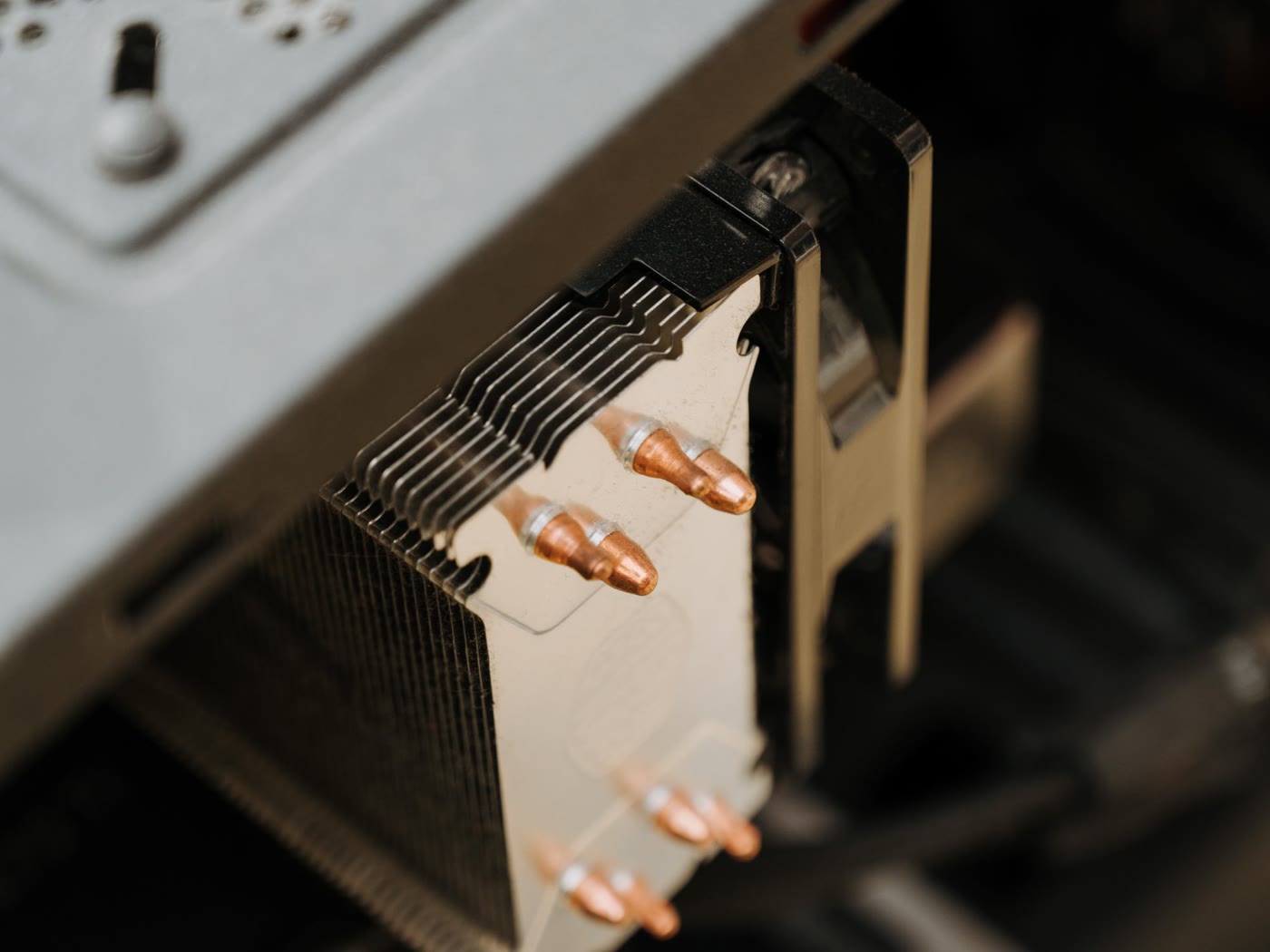
AMD kept the same cooler mounting system between AM4 and AM5. corsair says so for its own coolers, and noctua says the same for its supported ones, naming one low-profile model as the exception: the NH-L9a-AM4. the rule of thumb is that if the maker lists a cooler for AM4, it will generally work on AM5. read the compatibility list for your exact model all the same, because low-profile coolers and older mounting kits are where the exceptions turn up.
| From | To | Mounting result | What to check |
|---|---|---|---|
| AM4 | AM5 | Usually compatible | Same mounting system; verify the cooler model |
| LGA1700 | LGA1851 | Generally compatible | Same mounting-hole positions; verify thermal capacity |
| AM4 or AM5 | Any Intel socket | Not directly compatible | Different mounting system; requires a manufacturer-approved Intel kit |
| Any Intel socket | AM4 or AM5 | Not directly compatible | Different mounting system; requires a manufacturer-approved AMD kit |
on the Intel side, LGA1700 coolers generally go onto LGA1851 because the mounting holes sit in the same positions. look at the maker’s thermal rating first, though. a cooler that fits the socket isn’t automatically rated for the chip you’re putting under it. if you’re unsure about the second part, we went through how much cooling your CPU actually needs in the air vs AIO comparison.
replace the thermal paste whatever you do. it costs very little, and you can’t reuse the old application.
storage, with one check
drives are the easiest thing to move, and in 2026 they’re worth moving. SATA SSDs and hard drives are generally easy to transfer. check the available SATA data ports, power connections and physical space in the new case. NVMe drives need an M.2 slot on the new board. most current motherboards have at least one, but confirm the exact model before you move an NVMe SSD, since slot counts and supported PCIe generations vary.
the drive’s condition matters more than its age, and SMART data gives you real readings. on a hard drive, look at reallocated and pending sectors. on an NVMe SSD, look at media errors, critical warnings and remaining endurance where the drive reports it. if a drive shows problems, leave it out of the new build, regardless of its age.
the graphics card
PCIe is broadly compatible with modern motherboards, so the card will usually go in. the trouble is everything around it: its length and thickness against your case, its power connectors, the room for cables behind it, and whether the card, the CPU and the rest of the system are reasonably balanced.
the part with the biggest consequences is at the other end of the cable, at the PSU.
the PSU: the advice that shifted
most guides put the PSU at the top of the reuse list. a quality unit can outlast several builds, and many good models carry warranties of five to ten years, although coverage varies by model. keep it, spend the money elsewhere.
that was sound advice, and for plenty of units it still holds. you just need to verify it now.
what changed
modern graphics cards don’t draw power smoothly. they can produce short, sharp power excursions. intel’s ATX version 3 design guide defines transient-load requirements for high-power PSUs, above 450 watts, using the newer GPU power connector: up to 200 percent of rated power for 100 microseconds, 180 percent for one millisecond and 160 percent for ten milliseconds.
the exact requirements depend on the PSU category and connector configuration, so the label on the box doesn’t replace checking the specific model.
an older PSU may well still work fine. it just wasn’t designed or evaluated against those same requirements for power spikes. we covered the standard, the 12V-2×6 connector and intel’s own sizing table in the PSU guide.
what you can and can’t know
here the published evidence runs thin. power-supply components age, but there’s no universal replacement age that applies to every model, and i couldn’t find a tested threshold that picks one age as the point where every PSU turns risky.
so look at the unit in front of you: the exact model and how it was reviewed, its age and how hard it’s been worked, the warranty it has left, its rated wattage and 12 V rail capacity, whether it has native GPU connectors or you’d be leaning on adapters, and what the new graphics card needs.
warranty length tells you how much support the maker is offering. it doesn’t prove a unit will fail the day cover ends.
modular cables
don’t assume modular cables are interchangeable. the connectors aren’t standardised on the PSU side, and pinouts can differ between product lines, even within one brand. the wrong cable in the wrong unit can send twelve volts down a line expecting ground, and manufacturers warn users not to mix modular cables between incompatible PSU models.
use the cables that came with the new PSU, unless the manufacturer’s compatibility table explicitly says an older cable can be reused. and don’t mix cables from different PSU models.
the parts the 2026 market changed
the standard advice gets shakiest here.
memory is now worth carrying over, if it fits
the old logic was simple: RAM is cheap, buy new, don’t bother moving it. that’s weaker now.
in the US, tom’s hardware reported 32GB DDR5-6000 kits at around $429 at the end of september 2026, though prices vary by retailer, brand, timings and promotions. its tracker lists a historical low of $72 for 32GB DDR5-6000, but that’s a tracked historical price, not a current offer. these are US figures and they move, so look at the tracker instead of trusting my numbers. we covered the situation in the foundation-first build guide.
so it depends what you own. if your kit is DDR5 and you’re staying on DDR5, moving it over can save a meaningful amount at current prices.
if it’s DDR4, it won’t fit a DDR5 board, and that now has a real cost. an older DDR4 platform is still a reasonable route on a very tight budget, with the trade-offs we went through in the same guide.
storage, same logic
storage prices have swung both ways this year, so look at current prices before you assume a new drive is cheap, or that waiting will make it cheaper. a working drive you already own is worth keeping once its health checks out.
the case: it depends on one measurement
cases usually get treated as a free carry-over. often they are, but one measurement can rule yours out.
GPU clearance
high-end cards are big. nvidia lists the RTX 5090 Founders Edition at 304 mm long and 137 mm wide, and its system-preparation guidance asks for space of 304 × 137 × 61 mm, plus 36 mm of additional space for power cables. nvidia doesn’t say in which direction that extra space is measured, so treat it as a minimum rather than an exact layout. the first three figures are the space to reserve for the card. partner models can be longer, wider or thicker than the Founders Edition, so check the dimensions of the exact model.
people forget the cable. leave room behind the card’s power connector as well as along its length. tight bends close to the connector can put mechanical stress on the plug and make full seating harder, so leave the clearance recommended by the cable or GPU manufacturer.
measure the real space in your case before you commit. clearance is a hard limit.
the things that aren’t dealbreakers
an older case might lack front-panel USB-C, have fewer fan mounts than you’d like, or route cables badly. those are annoyances, and none of them stops the case working with a new build.
the parts to replace
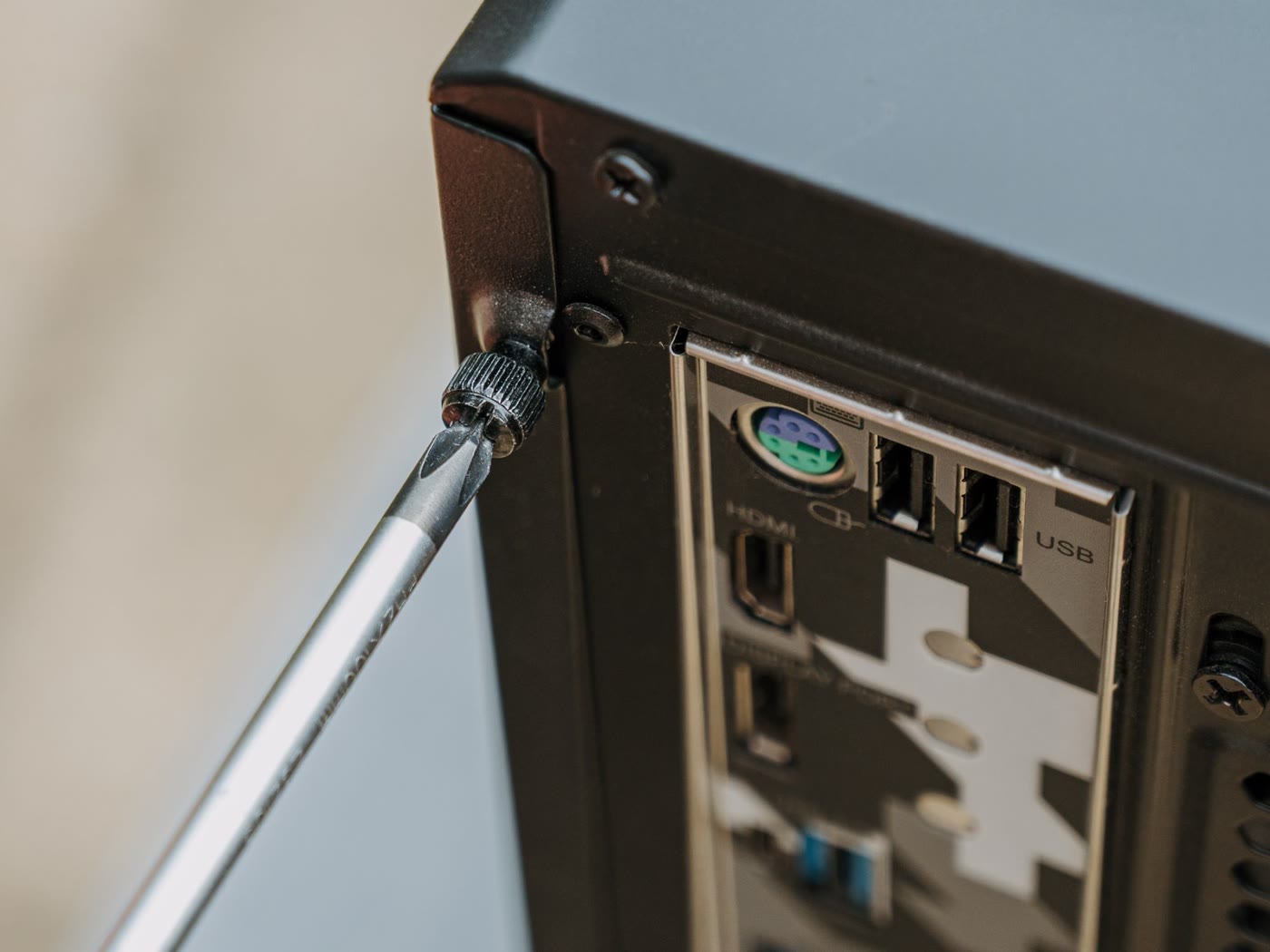
the motherboard and CPU, together
these go together, because the socket ties them. change one and you’re changing both, which also decides your memory generation. settle that first, since it sets everything else.
thermal paste and, usually, case fans
paste is a consumable. fans aren’t, strictly, but bearings wear, and a fan that’s spent years in a dusty case is cheap to swap while everything’s open.
putting it together
| Part | Verdict | What decides it |
|---|---|---|
| CPU cooler | Usually keep | Manufacturer’s compatibility list and thermal capacity |
| Storage | Usually keep | SMART health and the connectors available on the board |
| GPU | Usually keep | Available space, power connectors and system balance |
| Memory | Keep if the generation matches | DDR4 and DDR5 are physically incompatible |
| Case | Measure before deciding | GPU dimensions and cable space |
| PSU | Inspect carefully | Quality, age, warranty, wattage, connectors and handling of power spikes |
| Motherboard | Usually replace when the platform changes | Socket, chipset, supported memory and features |
| CPU | Replace with the platform if the socket changes | Socket and motherboard compatibility |
| Thermal paste | Replace | Consumable |
| Case fans | Inspect or replace | Noise, bearing condition, airflow and dust exposure |
the short version
work through it in order. pick the CPU and motherboard first, because that fixes your memory generation and everything after it. then put what you already own through the three questions: does it fit, will the maker vouch for it, what does replacing it cost now.
two answers have changed since the usual advice was written. memory is worth moving when it fits, and the PSU needs a proper look before you decide to keep it.
and whichever way you go on the PSU, don’t assume its cables fit anyone else’s.