the standard advice goes like this. put your money into the power supply, the case and the motherboard, buy a modest cpu and gpu today, and upgrade the expensive parts later when prices come down.
the reasoning is sound. the problem is that this advice has been repeated almost unchanged for a decade, and parts of it no longer describe the market you’re actually buying in.
the principle survives. the shopping list needs revisiting.
what foundation-first actually means
some parts in a build outlive everything around them. others get replaced every few years. spend well on the durable ones and every future upgrade gets cheaper and easier. cut corners there and your next upgrade turns into a rebuild.
the three tiers of a build
| tier | parts | why it belongs here |
|---|---|---|
| foundation | case, psu, cpu cooler | outlives multiple builds, rarely obsolete |
| platform | motherboard, cpu, memory | tied to one socket and memory generation |
| scalable | gpu, storage | expanded or replaced as needs change |
note where memory sits. it’s often filed under things you add later, but it’s locked to your platform choice, and it’s the part where the current market is least forgiving of waiting.
the assumption underneath the strategy
the second half of foundation-first is rarely stated out loud. deferring a purchase only pays off if the part gets cheaper, or at least no dearer, while you wait.
that’s the piece worth examining.
the socket advice needs updating
nearly every foundation-first guide tells you to pick a motherboard on a socket with a confirmed next generation. that part is still right. what’s changed is which sockets qualify.
intel’s current desktop socket
several guides still list lga1851 as a platform with an upgrade path ahead of it. that reading is out of date.
techpowerup reported that intel confirmed lga1954 as the socket for nova lake-s, its next desktop generation, through its own internal validation tooling. lga1851 received one architectural generation plus a minor refresh.
intel has signalled an interest in longer-lived platforms, but buyers should wait for a formal support commitment before treating lga1954 as a long-term upgrade platform. either way, it isn’t something you can buy today.
where amd stands
at computex 2026 amd extended its am5 commitment to 2029, up from the previous 2027 figure.
so for a buyer whose priority is an officially announced cpu upgrade path on the board they buy today, am5 currently has the clearest published roadmap. that’s a statement about announcements, not a claim about how any particular chip will perform for you.
where the deferral logic runs into trouble
foundation-first assumes the parts you postpone will be more affordable later. two of the most expensive items in a build are not currently moving that way.
memory
the usual guidance says start at 32 gb, leave two dimm slots free, add more when you need it.
tom’s hardware tracks memory pricing continuously, and in late august 2026 a 32 gb ddr5-6000 kit was selling for around $400 against a historical low of $72 in their own database. check the tracker rather than that figure, because it moves.
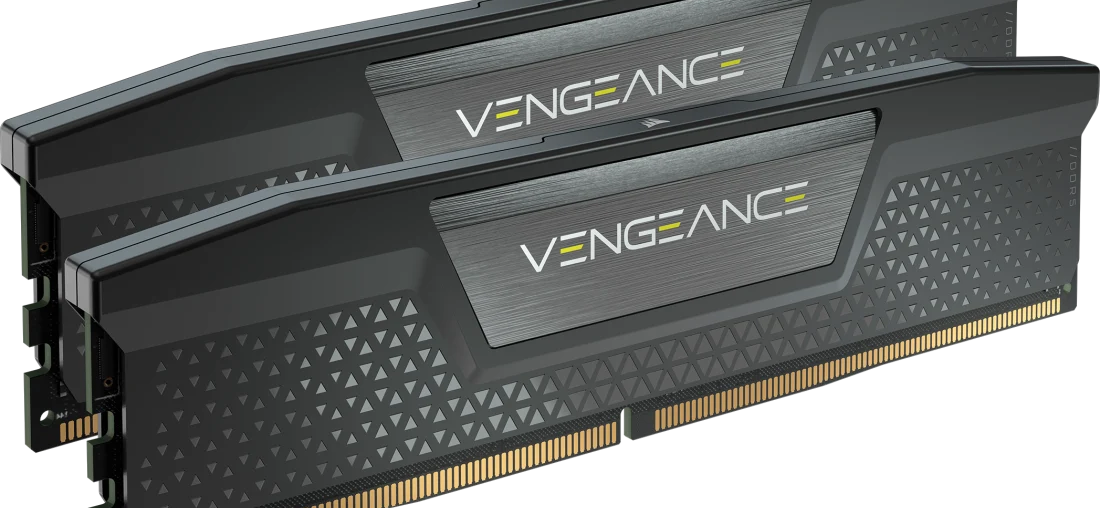
current price trackers and industry reporting point to a tight memory market, but no forecast should be treated as a guarantee. what that means practically is this: if prices hold where they are or climb, the memory you postponed costs you more than buying it today would have. planning around a decline nobody has committed to is a bet rather than a strategy.
graphics cards
similar picture. cards are trading meaningfully above their own launch pricing, and reporting on the next generation points to late 2027 or 2028 rather than anything imminent. we went through the numbers card by card in the gpu upgrade decision guide.
the same caution applies in both directions. nobody can promise prices won’t soften. there’s simply no announced product or capacity that would obviously trigger it.
storage
storage prices have moved quickly in both directions this year, so check current prices rather than assuming that waiting will automatically make an upgrade cheaper.
the version that fits the current market
keep the principle. reconsider what you defer.
what changes and what doesn’t
| tier | part | conventional advice | what to weigh in 2026 |
|---|---|---|---|
| foundation | case | buy well, keep it | unchanged |
| foundation | psu | buy well, keep it | unchanged |
| foundation | cpu cooler | buy well, keep it | unchanged |
| platform | motherboard | pick a live socket | am5 has the clearest published roadmap |
| platform | cpu | mid-range now, upgrade later | still reasonable, with conditions |
| platform | memory | start small, expand later | buy the capacity you plan to run |
| scalable | gpu | defer, upgrade later | buy the tier you can afford now |
| scalable | storage | expand later | check live pricing before deferring |
the cpu is the case where deferring still holds up
deferring the cpu can still make sense on am5, provided the board supports the later processor with an appropriate bios update and the performance trade-off works for your needs. memory pricing has been unusually volatile, while cpu pricing should still be checked model by model before deciding whether to delay an upgrade.
it isn’t a universal rule. if your workload is cpu-bound today, buying a weaker chip and waiting costs you performance you needed all along, and that’s a worse outcome than spending the money now.
what to actually buy
this is an allocation logic rather than a fixed budget. scale it to what you have.
the foundation
case. airflow first, then clearance. some high-end partner cards are substantially longer than the reference designs, so check the exact model’s specification page before choosing a case. nvidia lists the rtx 5090 founders edition at 304 mm. a case with generous clearance is the safer buy either way, because you need margin for the card and for the power cable behind it, and that second requirement is the one people forget.
power supply. size it for your actual sustained load with sensible headroom rather than doubling the wattage out of caution. intel’s design guide includes a sizing table that’s more reliable than most online calculators, and we covered it alongside the 12v-2×6 connector situation in the psu guide. buy from a manufacturer whose units get independently tested, and check the warranty length, which is usually a decent proxy for how much confidence the maker has in the design.
cpu cooler. a tower air cooler with a standard mounting kit moves between builds. proprietary brackets don’t.
the platform
motherboard. am5 is the starting point, but the chipset name alone tells you very little. before you commit, check the vrm arrangement and heatsinking, because a board that can’t feed a higher-tier cpu cleanly limits the upgrade you bought it for. confirm the specific processor you want is on the board’s supported cpu list and which bios version it needs. look for four dimm slots, at least two m.2 slots, and the rear ports you actually use rather than the ones on the box art. bios flashback, which lets you update firmware without a working cpu installed, is worth paying a little for on a platform you intend to keep for years.
cpu. a mid-range am5 chip now, a stronger one later on the same board, subject to the conditions above.
memory. buy the capacity you intend to run. if that’s 32 gb, buy 32 gb as a single matched kit. two slots filled and two empty made sense when memory was cheap and trending cheaper.
the scalable parts
graphics card. buy the tier your budget supports today rather than planning around a future price you can’t verify.
storage. check what the drive you want costs right now, then decide. don’t schedule the purchase for later on the assumption it’ll be cheaper.
the ddr4 question
with ddr5 priced where it is, an older ddr4 platform can still be a reasonable route on a very tight budget. it lowers the entry cost, and that’s a legitimate reason to choose it.
be clear about what you’re accepting, though. am4 is a platform at the end of its cycle. the cpu upgrade path is limited, and ddr4 memory doesn’t carry over to a newer ddr5 board, so there’s no simple migration later.
it’s a way to reduce what you spend today, not a cheaper version of an am5 build. those are two different purchases with two different futures.
checks to run before you buy
these are the ones that most often turn into returns.
gpu length against case clearance. compare the specific partner model, not the reference figure. then subtract for any front radiator, drive cage or fan in the way.
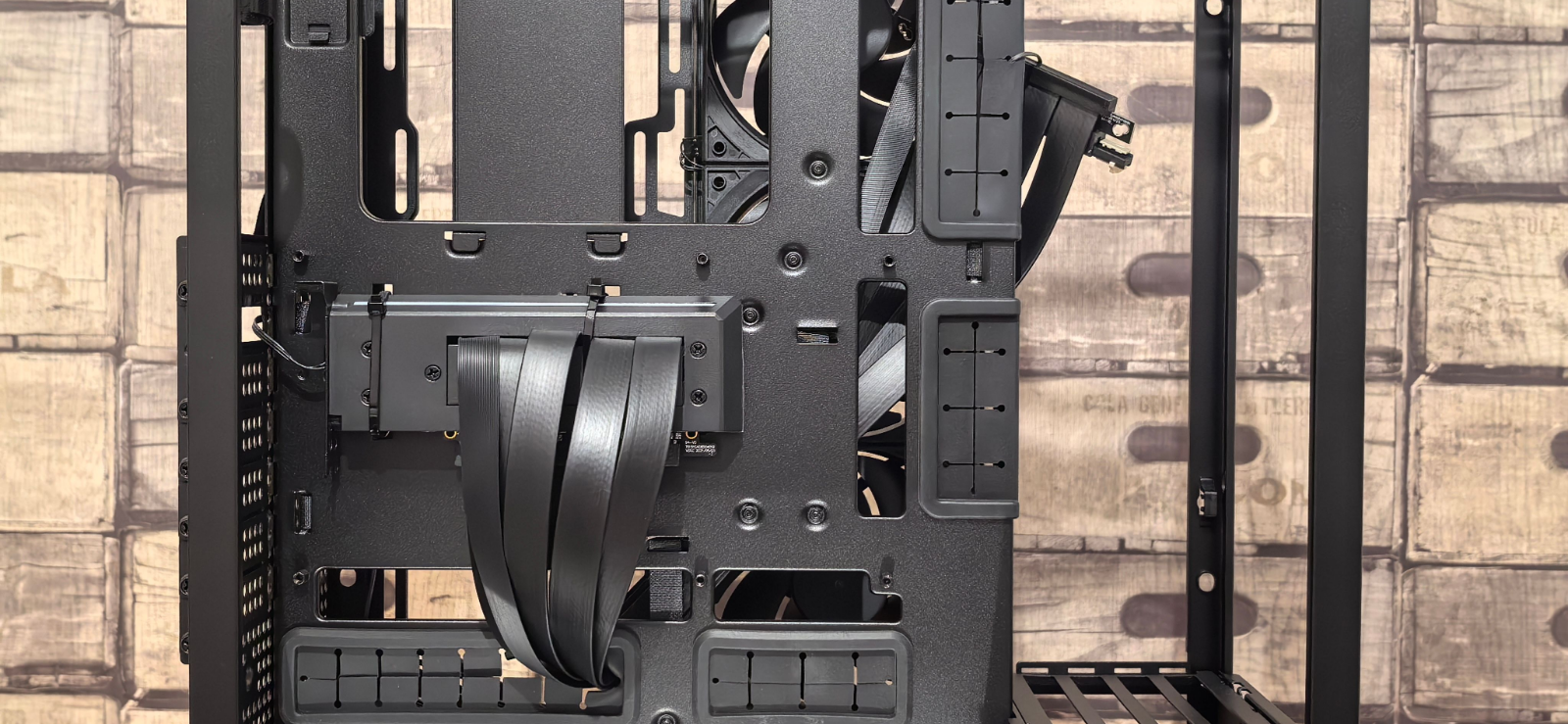
cable bend room. leave space beyond the card for the power cable to run straight before it turns. a cable forced into a tight bend at the connector is one of the conditions associated with poor seating on 12v-2×6 connectors.
radiator thickness plus fans. case specs sometimes quote radiator support without accounting for fan thickness or motherboard heatsink clearance at the top.
cpu on the motherboard’s support list. check the exact model and the bios version it requires. a newer chip on an older board can need a firmware update before it will post.
gpu power connectors. confirm what the card needs and what your supply provides natively. use the cable that came with the psu, and never reuse a modular cable from a different unit, because pinouts differ between models even within one brand.
memory as a matched kit. buy the capacity in one kit rather than combining two purchases. modules that were never validated together are a common source of instability.
psu credentials. independent review coverage and warranty length tell you more than the wattage number on the box.
the verdict
the principle holds
spend properly on the parts that outlive the build. the case, the power supply and the cooler are the cheapest things to get right and the most expensive to get wrong. none of that has changed.
the specifics have moved
the socket picture is different from what most guides describe. am5 currently has the clearest published upgrade path for anyone who cares about that, and on the intel side the platform worth watching is the one arriving in 2027 rather than the one on shelves now.
and the deferral logic deserves a second look
buying less memory, storage or graphics card than you need, on the assumption that the rest gets cheaper later, is a bet on an uncertain market. it might pay off. it just isn’t the safe default it used to be.
buy the foundation properly. put the platform on a socket with a published future. then buy the memory, storage and graphics card you actually want, and defer the cpu only if the board and your workload both allow it.